Image: Leica Camera AG
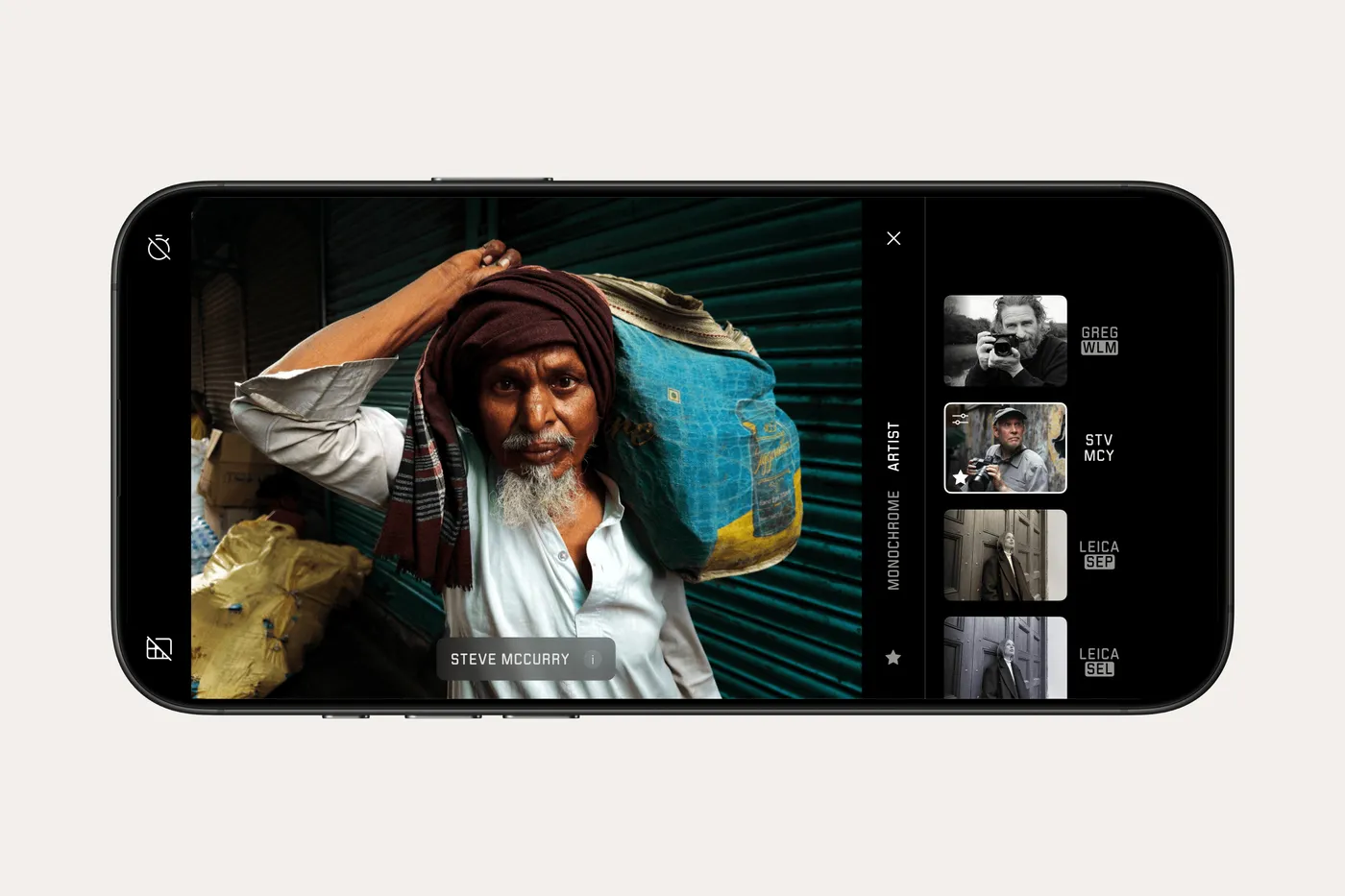
Leica is adding a Steve McCurry Artist Look to its LUX iPhone app. Developed in collaboration with the photographer, the colour rendering sets the stage for LUX 2.0, due in early October. It is a good reason to look at colour differently. After all, what are you actually borrowing when you choose a famous photographer’s look?
A red coat against a green wall. A face in warm light, with a cool shadow behind it. Colour can hold a photograph together, but it can also draw all the attention to the wrong place. That starts before you even open an app.
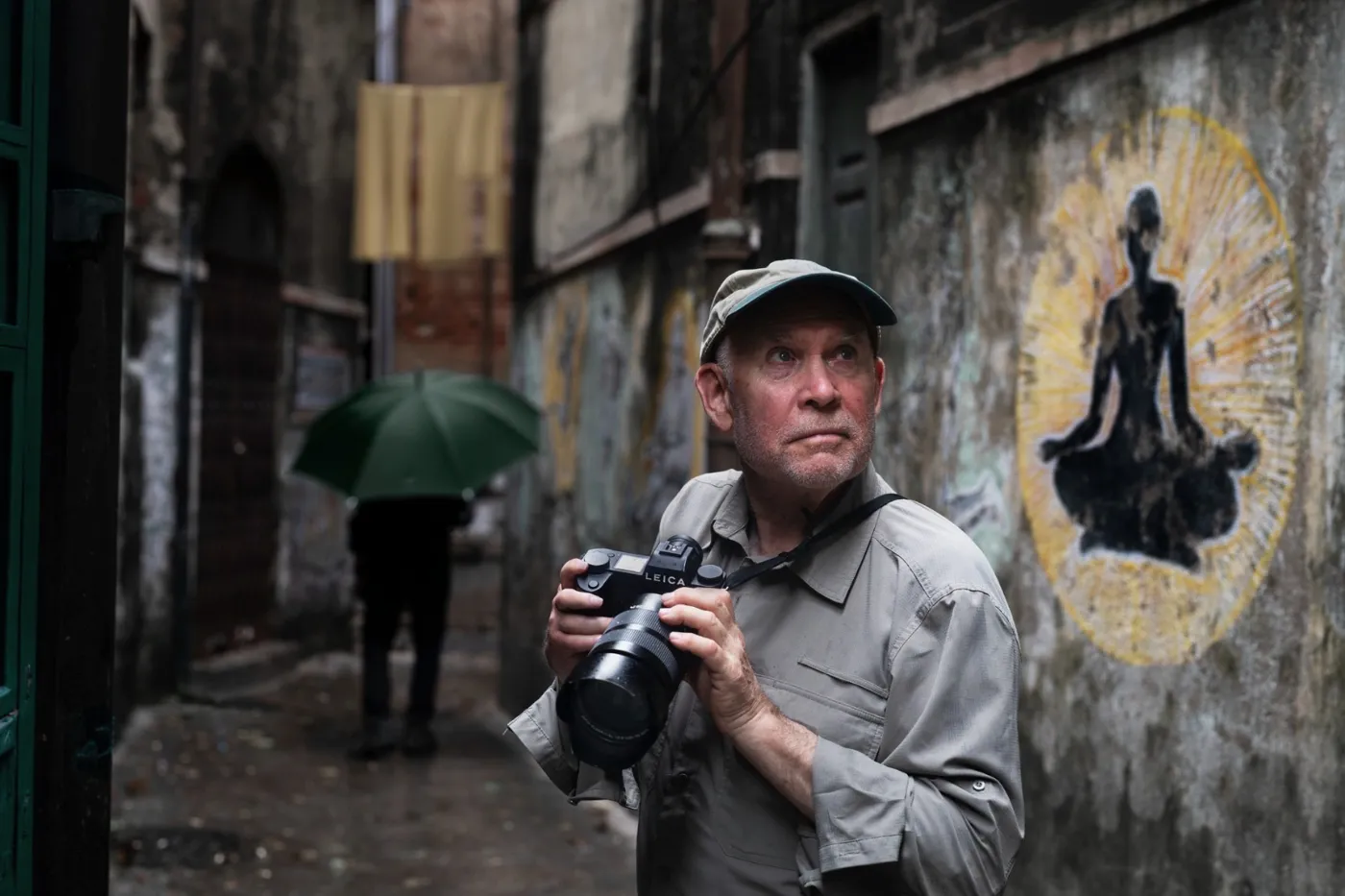
Anyone familiar with Steve McCurry’s work knows how much colour contributes to it. In the photographs in A Life in Pictures, people and their surroundings constantly relate to one another. Clothes, walls, light and background all contribute to the image. A striking colour rarely stands entirely on its own.

With its new Artist Look, Leica brings part of that approach to colour to the iPhone. According to the brand, the rendering centres on vivid colours, natural contrast and warm tonal depth. How that works in your own photographs depends on what you put in front of the camera.
A look does not choose your viewpoint
A look guides the processing of your photo: how colours are rendered and how light and dark relate to each other. It can make the same subject appear warmer, cooler, softer or more emphatic.
But the red coat still has to be somewhere in the frame. And if there is a brightly coloured billboard behind your subject, that may attract more attention too. The software does not automatically know which colour matters to your story.
That is where the most interesting way to use a look lies. Do not just ask whether the result is more attractive; notice where your eye goes. Does the face stand out more clearly? Does the background become distracting? Does a pale wall remain unobtrusive, or does it suddenly dominate the whole photograph?

Using colour deliberately in your composition often achieves more than endlessly switching between styles afterwards. Sometimes a step to one side is enough to keep a distracting colour out of the frame.
Try it on something familiar
You do not need to travel far for this experiment. Try a street you know well, a portrait by a window or a still life on a table. Choose a subject that lets you take your time comparing the results.
With a portrait, look at the skin first. Warm rendering can be pleasing, but it should suit the light and the person. Then look at the background: does it support the face, or do its colours compete with it?
In a street scene, look for repetition. A foreground colour that reappears further away can lead your eye through the photograph. A single bright colour, on the other hand, can give the eye somewhere to rest in an otherwise subdued setting.
In this way, a photographer’s look becomes a reason to look more closely. You may discover that you like warm midtones but are less keen on strong background colours. That is more useful than trying to make every shot resemble a McCurry photograph.
What changes in LUX 2.0?
Alongside the new look, LUX is getting a redesigned gallery with the same approach to navigation as Leica FOTOS. A filmstrip lets you browse from the detail view, while the grid allows you to select multiple images.
You will also be able to open Lightroom and Capture One as external editing apps from LUX, alongside Darkroom. This makes it easier to continue working after shooting. The interface is being refreshed while retaining the familiar placement of the photographic controls.
LUX already offers manual settings for focus, exposure, ISO and white balance, among others. These remain relevant: a colour look responds to the image you capture. A different exposure or white balance can therefore noticeably change the result.
Availability and price
The Steve McCurry Artist Look has been available in Leica LUX PRO since September 24. LUX 2.0 follows in early October. The basic app is free; PRO costs €7.99 per month or €79.99 per year in the Dutch App Store.
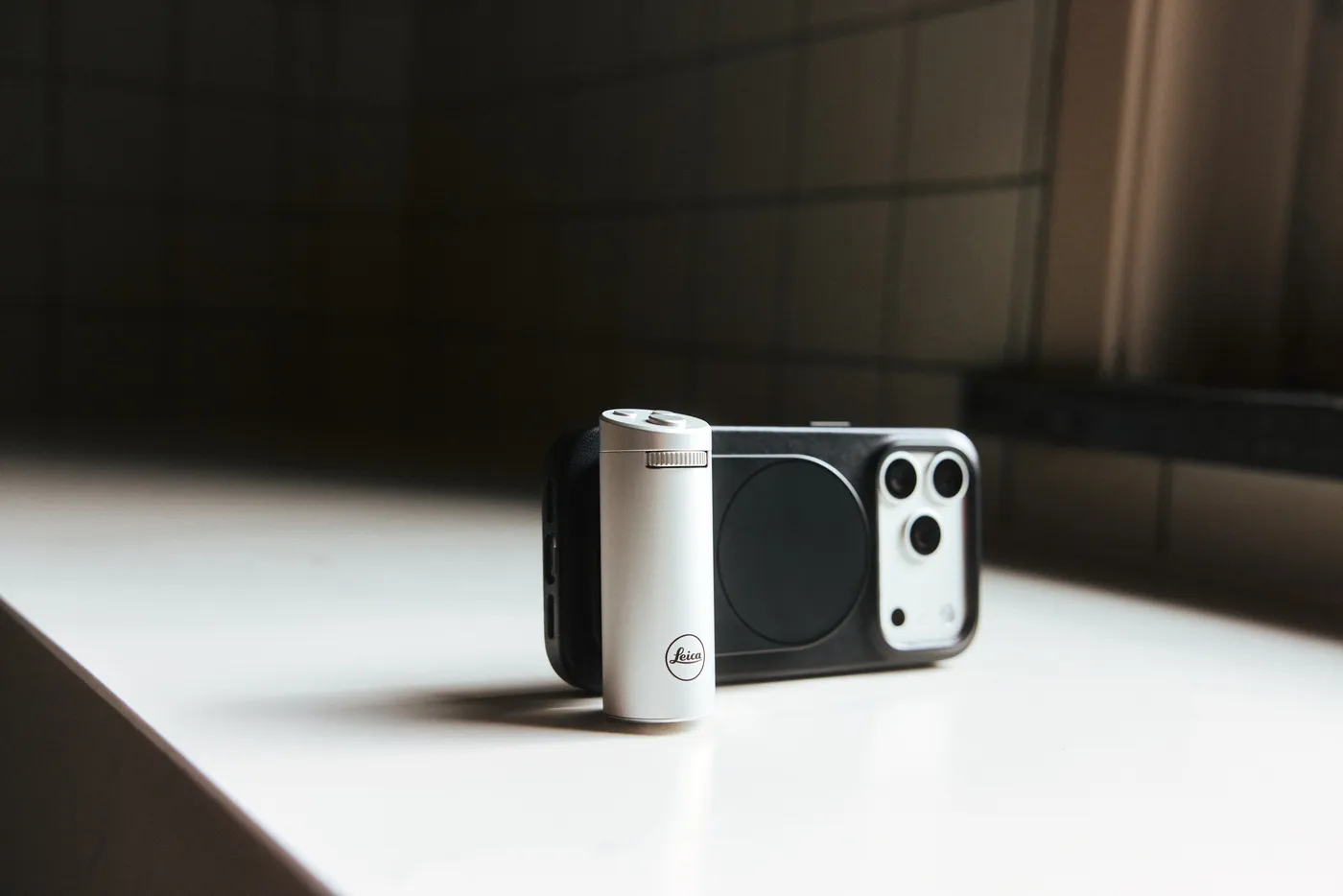
The Leica LUX Grip is also getting a new silver version. The grip attaches to your iPhone via MagSafe and offers a two-stage shutter button, a control dial and two programmable buttons. Its functions are identical to those of the black version. The silver grip has been available since September 24 for €300, including one year of LUX PRO. Matching black leather cases for the iPhone 18 Pro and Pro Max cost €95 each. The Leica Leather Case for the LUX Grip costs €55.
Instead, start with a subject you are curious about. Choose the look, see what it does to the colours, then change your viewpoint. You may find that the last step makes the biggest difference.