Until the rise of digital photography, small-format film was the most widely used film in the consumer market. The familiar and popular small-format camera produced images of 24 by 36 mm, which corresponds to an aspect ratio of 3:2. With the invention of the digital camera, other aspect ratios have also gained popularity. But what exactly is aspect ratio and why should you pay attention to it?
In simple terms, aspect ratio is the proportional difference between the width and height of an image. A 35mm camera has an aspect ratio of 4:6. Other cameras have an aspect ratio of 4:3. And to complicate matters further, not all digital cameras use the same aspect ratio, and some only have a single aspect ratio, while others allow you to change the aspect ratio.
For example, modern iPhones allow you to shoot in both a square format and a 16:9 format. And if you decide you don't like either one, you can use the camera app to crop the image to any size you want.
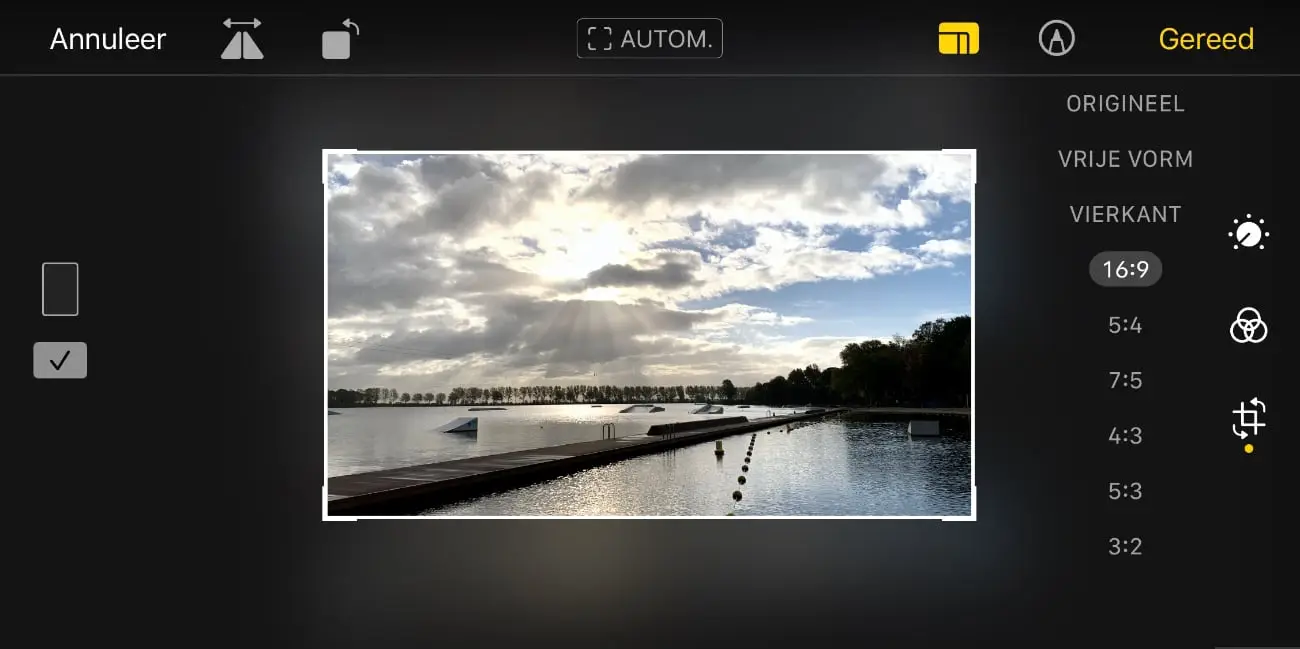
If your photo remains strictly digital, the aspect ratio doesn't matter much. However, when it comes to printing on photo paper, problems may be encountered after cropping in post-processing or when a non-standard aspect ratio is used.
'Full frame' versus 'crop sensor'
You may have heard the term "full frame camera," which is the digital equivalent of a 35mm camera. Most professional DSLRs are full frame, and some more expensive consumer models are too. These cameras are also called 'FX'. Full frame or FX cameras use the 2:3 aspect ratio, which corresponds to the print size of 10x15 cm.
APS-C cameras have a smaller sensor than full-frame cameras. Many APS-C sensors use an aspect ratio of 3:2, just like full-frame. Due to the smaller sensor size, the angle of view is smaller for the same focal length.
Many digital cameras use a sensor that is smaller than full-frame. For example, Micro Four Thirds cameras work with an aspect ratio of 4:3 as standard, just like many compact cameras. A ratio of 4:3 fits exactly with a print size of 15 × 20 cm. At 13 × 18 cm, a slight crop is already necessary. If you want to print a 4:3 photo edge-to-edge at the popular 10 × 15 cm (or 20 × 30 cm) format, you will also have to cut away part of the image, because these print sizes have a ratio of 3:2.
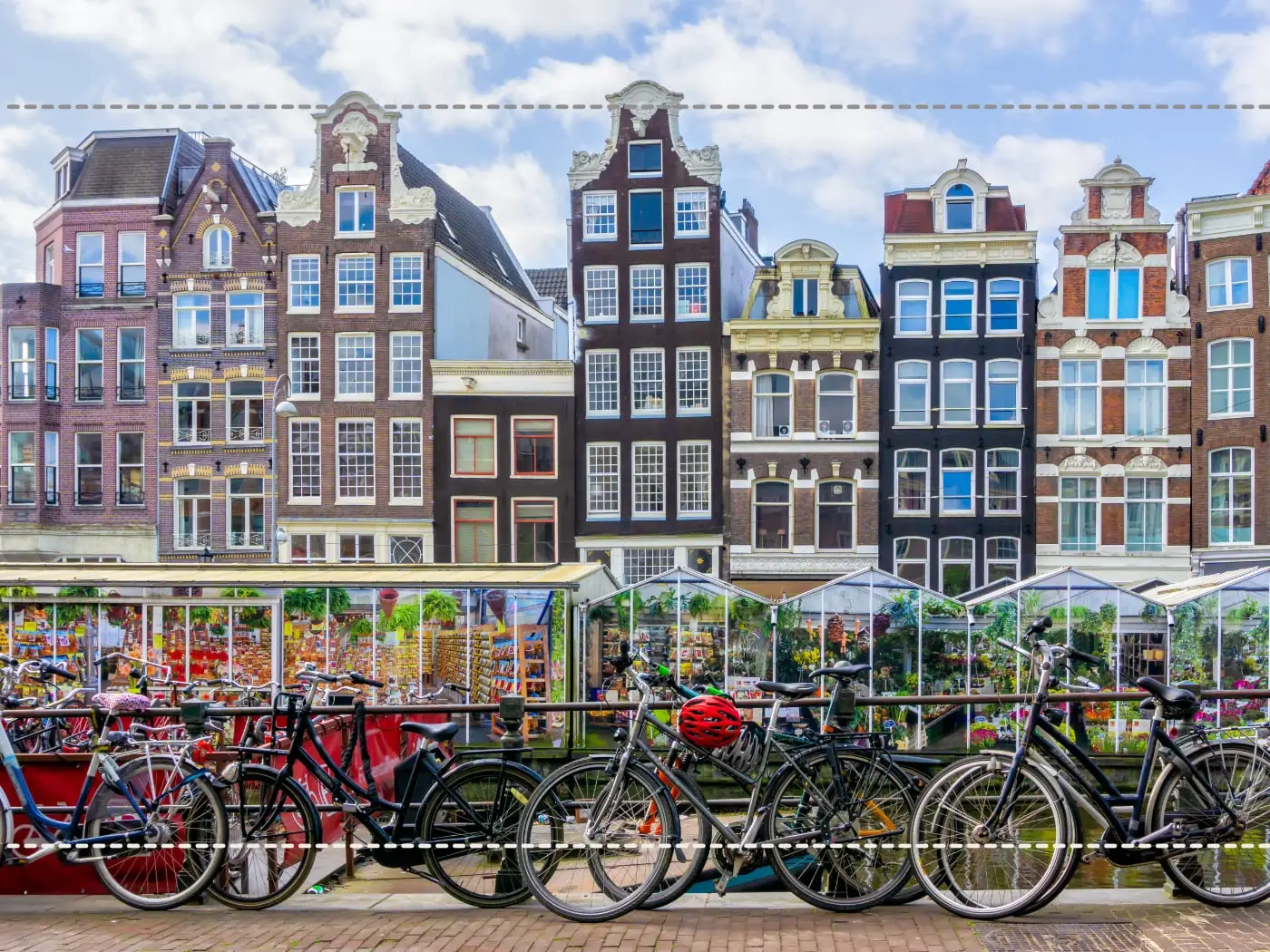
It is no coincidence that the 4:3 aspect ratio is the same as that of standard televisions and computer monitors. That's probably why it was chosen as the aspect ratio for digital cameras at some point. It exactly matched the aspect ratio of the most popular monitors in use at the time.
Different aspect ratios
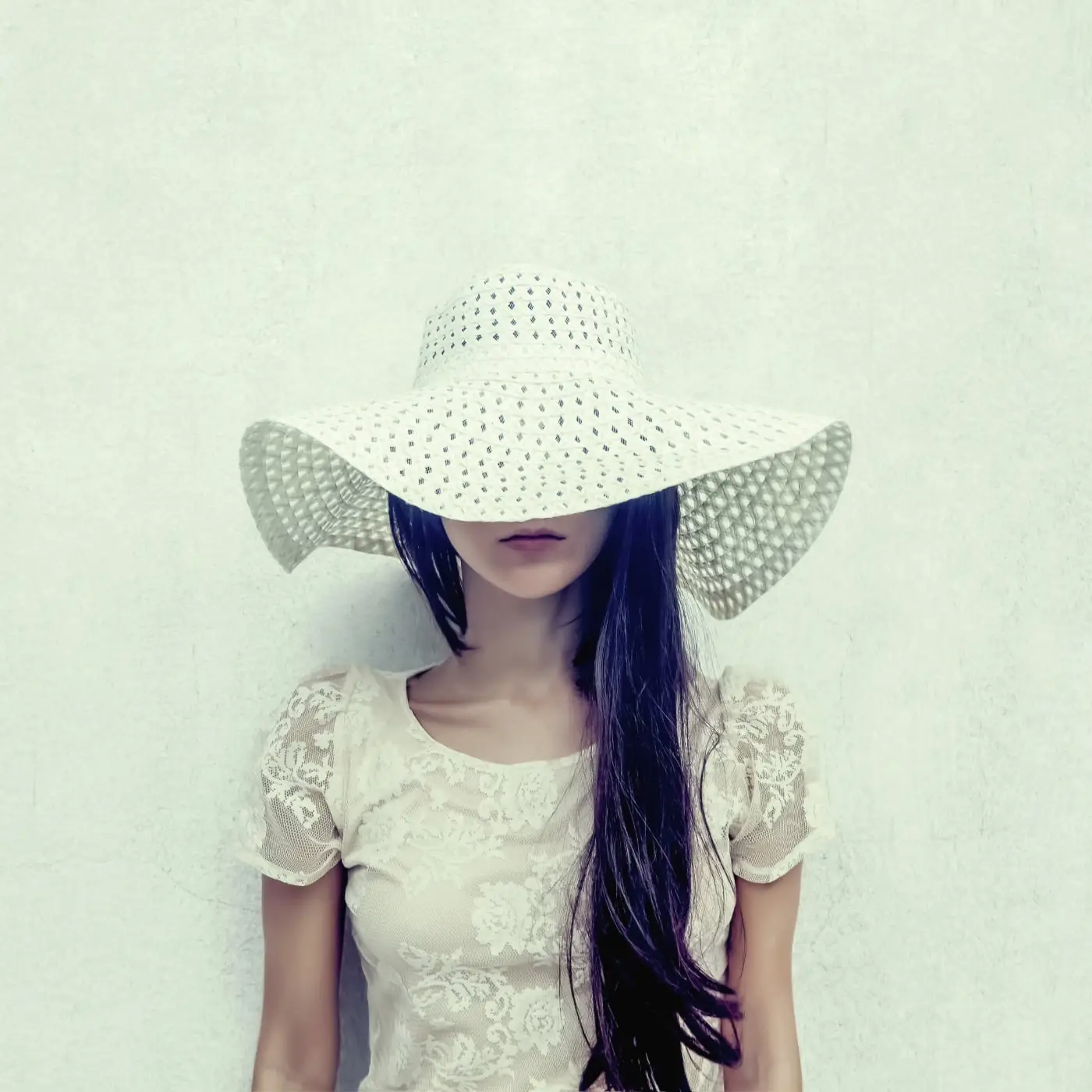
As mentioned, not every camera forces you to stick to a single aspect ratio. For example, most smartphone cameras offer the ability to shoot in the 1:1 aspect ratio, the kind of format popular on Instagram and other photo sharing applications.
Shooting square is popular and is now more widely accepted by photo labs. If you print it yourself, you can trim the rectangular photo paper.
Smartphones also often offer 16:9, a wide aspect ratio that can give a photo a more panoramic character. However, real panoramas can be much wider than 16:9. The 16:9 ratio is best known as a widescreen format and can work well for subjects where you want to emphasize the width of the scene.
When is aspect ratio important?
The aspect ratio is important for some applications. For example, if you're photographing landscapes, the aspect ratio can affect the visual balance of the photos. That's one of the reasons why most landscapes in that 3:2 orientation are photographed horizontally, because it's easier to see the rule of thirds to use.
In a vertical landscape photo, the relatively elongated 3:2 ratio can make the composition feel different than 4:3. Depending on the subject, a more compact ratio such as 4:3 may be more pleasant, but that remains a creative choice.
Now when you print photos, you may be tempted to crop out as much of the photo as makes sense for a specific composition. And if you just want to display that photo in digital format, that's fine. However, if you plan to print the image, it's best to stick to one of the standard aspect ratios.
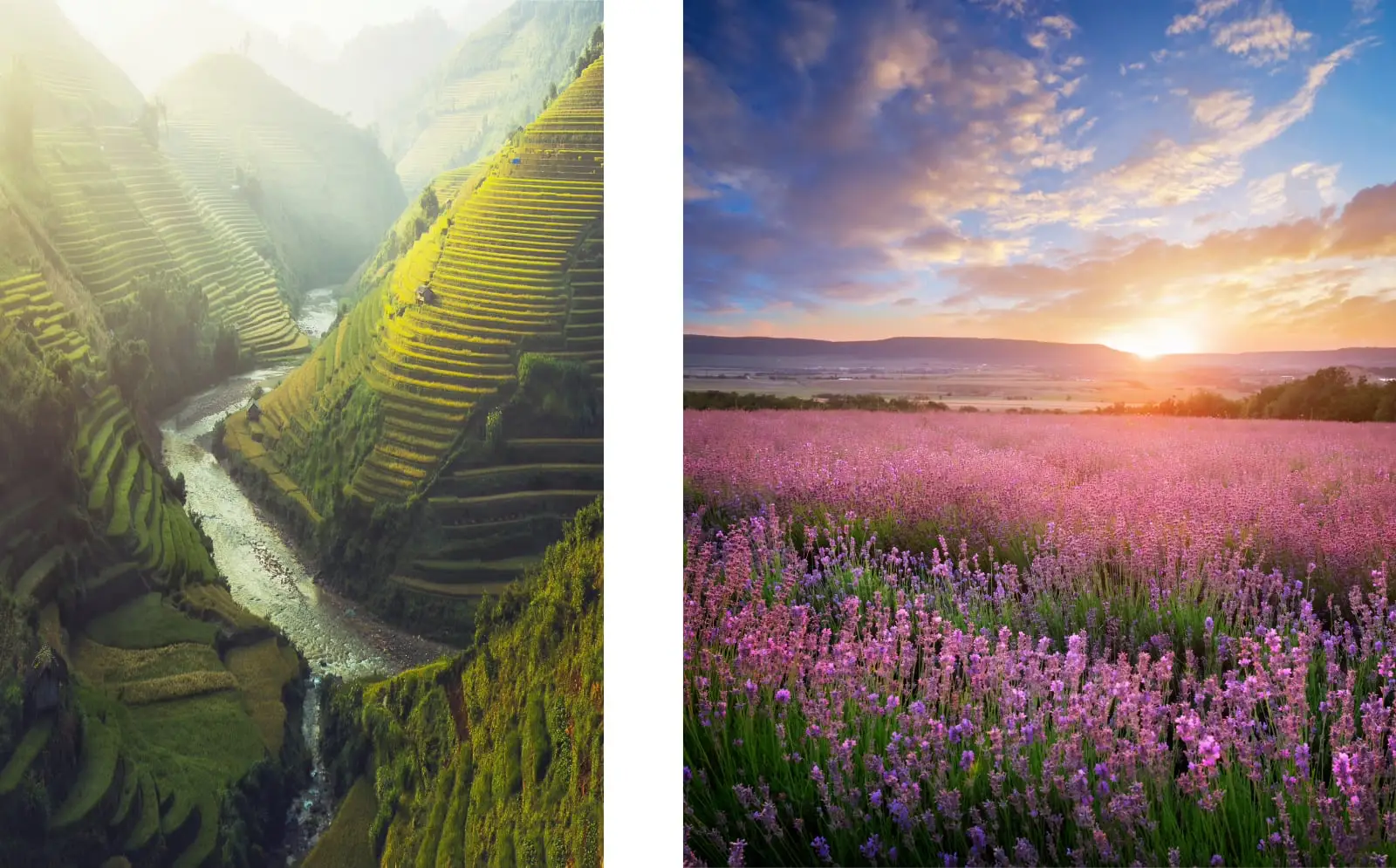
For landscapes you can choose 3:2 (which corresponds to a print size of 10x15 cm, 20x30 cm or 30x45 cm), but you can also choose 4:5, the aspect ratio often preferred by earlier landscape photographers who shot on large format cameras, such as the famous Ansel Adams. The aspect ratio of 4:5 also corresponds to the standard and widely used print size of 20x25 cm. So if you crop to 4:5, it's a lot easier and cheaper to purchase a mat and frame for the image.
In the film era, the 6:7 aspect ratio was also used by many medium format still cameras. The aspect ratio of 6:7 corresponds to the then popular and artistic print format of 12 x 14 inches.
When you print on those larger formats, there are three things you need to take into account for the best results:
1. Make sure you choose the maximum resolution in your camera. That way, when you crop the photos to those standard sizes, you don't lose too much resolution and you can still print the image at those larger sizes without worrying about image quality.
2. Shoot in RAW. Photographing in RAW preserves much more of the original image information than JPEG and therefore gives more leeway in post-processing.
3. You have obviously checked whether the ink cartridges of your printer still contain enough ink, as a matter of course.
For high-quality photo prints, approximately 300 ppi is often assumed, but a lower resolution does not necessarily result in a visible loss of quality. The print size, printer and viewing distance also determine how much resolution is actually needed.
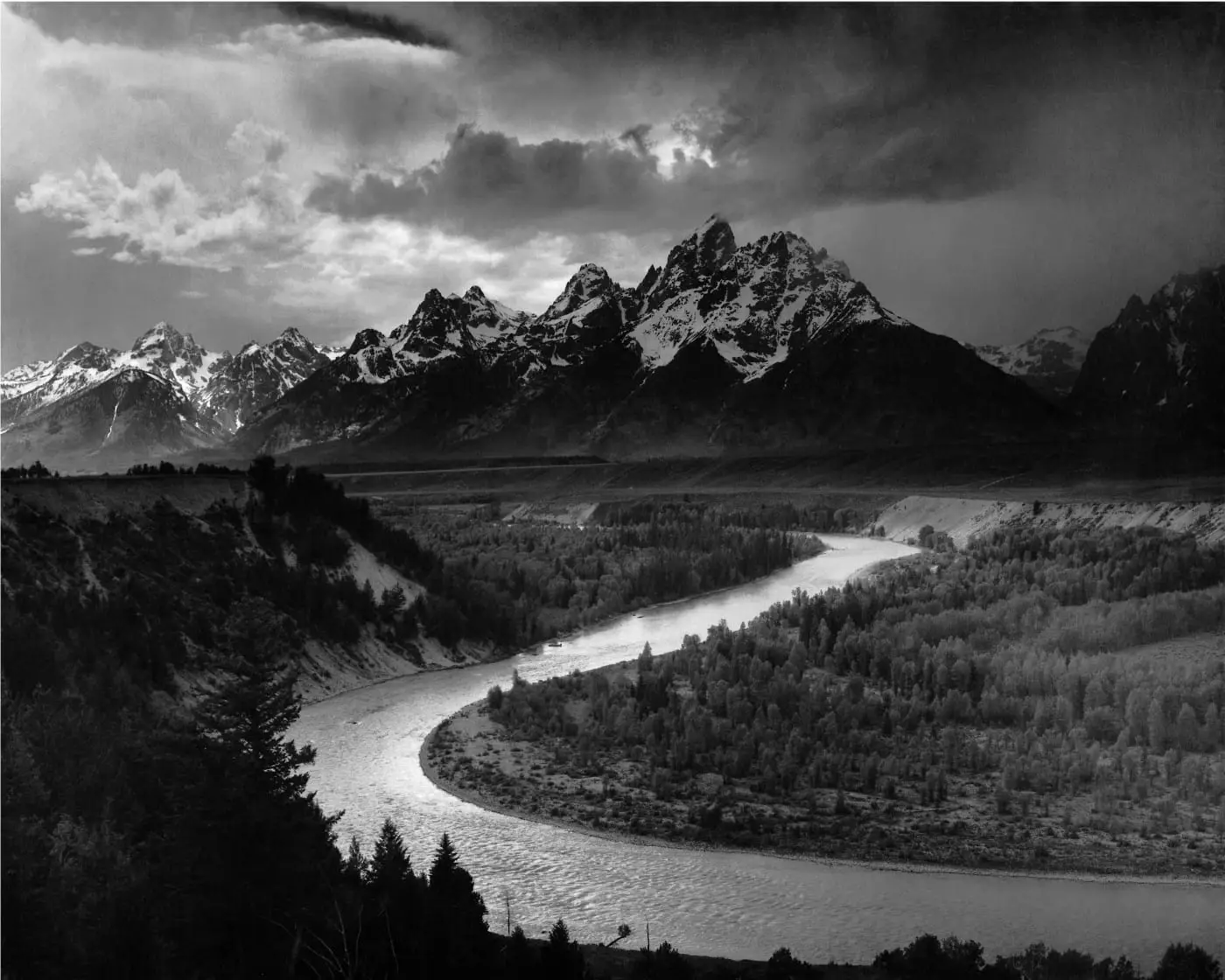
When you take images that you want to crop and/or print in large format, take the crop into account when framing them in the viewfinder when shooting. It's a good idea to have a rough visual impression of that aspect ratio to ensure you don't cut anything essential from the original image.
Which aspect ratio do you choose?
Try to stick to one of the standard aspect ratios as that will be less annoying when you have the image printed. But if you still feel like you need to use a non-standard size, just remember that the cropped image must fit within one of those standard sizes when the photo is printed.
Each aspect ratio has a different appeal and personality, so try to match the subject to the format.
• 3:2 – classic format of many full-frame and APS-C cameras
• 4:3 – slightly more compact and standard with Micro Four Thirds
• 1:1 – square and suitable for a more graphic composition
• 16:9 – wide image with a more panoramic character
• 4:5 and 6:7 – proportions that can work well for portraits, landscapes, and certain print sizes
Ultimately, the choice of aspect ratio is personal, depending on the subject and how well you think it suits the aspect ratio you've chosen. The one thing you need to keep in mind is that if you want to use all the megapixels your camera is capable of, you need to choose the ratio that corresponds to the size of your camera's image sensor. For full frame cameras this becomes 2:3. For a micro four thirds or a point and shoot camera it will be 4:3. If you're not sure, check your camera's manual.
Keep in mind that if you select a different aspect ratio than the size of your camera's image sensor, you won't use all those megapixels. But if you only want to print on smaller sizes, that doesn't matter. The use of all megapixels only becomes really important if you are going to print in large format or if you plan to make significant cropping afterwards.
The decision is not only creative, but must also be well-considered. It's a good idea to familiarize yourself with the rough shape of each of these aspect ratios so you can make the right decision for photos to be printed. And remember, if you prefer to crop to a different aspect ratio, you can take that into account in advance. Make sure there is enough extra space around the edges so that you can make the crop without removing anything important to the image. With this knowledge in mind, you will soon become confident in working with aspect ratios.
© In collaboration with / thanks to David Peterson - Fotografie.nl
Read this article in Dutch: Aspect ratio: is beeldverhouding belangrijk ?.



