A stolen camera gets noticed. You often do not notice a leaked folder until the work has already been forwarded, downloaded, or sold. That is why security is not just about your password; it has to cover your entire photography workflow.
The lawsuit Ariana Grande has filed against as-yet-unknown hackers illustrates that painfully. According to the complaint, attackers gained access to a photographer’s Dropbox account in 2019 using stolen login credentials. In 2024, they allegedly created a Gmail account and a domain name to pose as a photographer. In doing so, they persuaded a digital technician—the person who manages digital files and the workflow during a production—to send unpublished photos.
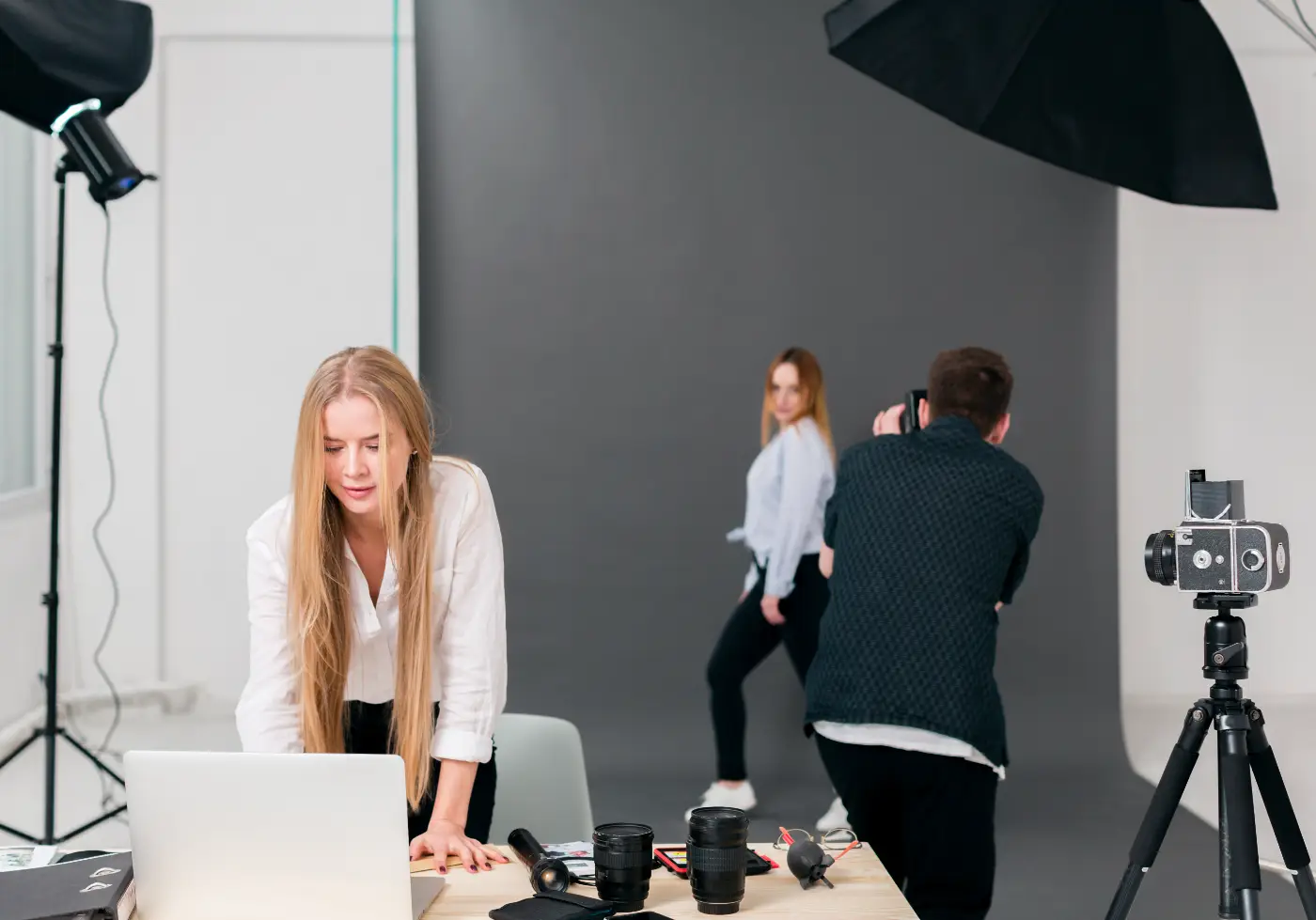
Coverage of the case is not just about a celebrity, but also everything surrounding it: a photographer, a digital technician, login credentials, a fake domain, and shared files that were not yet meant to be released. That is exactly why this subject also affects ordinary photographers. Not because your archive is international news, but because unpublished work, client images, and selects are often worth more than you think.
When photographers think about security, many first consider the camera, the bag, or the hard drive. But the risk often lies in the route a file takes: from memory card to laptop, from a Lightroom export to a Dropbox folder, from a preview to the client, and from an assistant to a retoucher. The more links in the chain, the more places where something can go wrong.
The Leak Is Often in the Workflow
The lesson from incidents like these is simple: the weakest point is rarely your best camera, but almost always an account, device, or person in the chain. An old email address without additional security, an assistant who still has access to an entire folder, a shared link that keeps circulating for months, or a laptop that syncs automatically while you work on location—these are the moments when unpublished work suddenly becomes less private than you thought.
So look not only at files, but also at roles. Who may see RAW files, who may see only selects, who may see only a final export, and who should have lost access long ago? If you have not clearly defined that, your workflow is too open.
Enable 2FA for Everything Connected to Your Archive
Two-factor authentication is still the quickest win. Use it not only for Dropbox or Google Drive, but especially for your email account. Someone who controls your email can often reset passwords for other services as well.
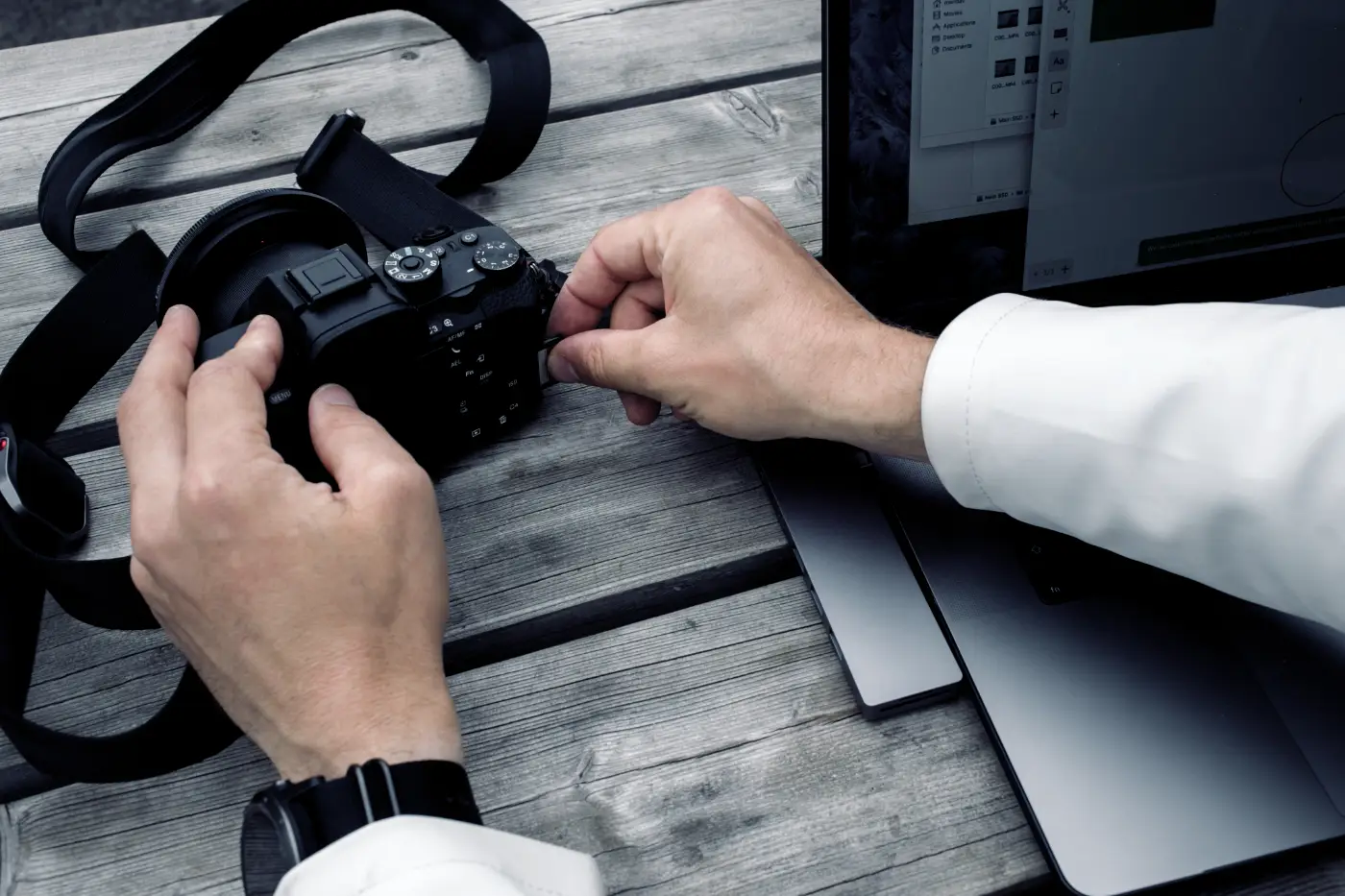
At minimum, secure these components:
• your primary email address;
• Dropbox, Google Drive, WeTransfer, or other delivery services;
• Adobe, Apple, and Google accounts active on your devices;
• your password manager, if you use one.
Where possible, choose an authenticator app or hardware key rather than relying only on SMS. Store recovery codes separately, for example in your password manager or in a secure physical location. In addition, review your active sessions and connected devices a few times a year. An old laptop or phone that still has access is effectively an open door too.
Share Less, Not More
A classic mistake is giving a client, assistant, or editor access to an entire main folder when only a selection round is needed. Instead, use separate project folders for each assignment. Do not share your entire archive, only what someone needs to see at that moment. This is an important principle for sharing photos securely online.
Your choice of cloud service also matters; photographers who place a high priority on privacy could, for example, include Proton Drive in their comparison. The service uses end-to-end encryption for files by default and also encrypts file names, folder names, previews, and more. This means Proton itself cannot view the contents of your stored files. For photographers, its sharing features are particularly relevant: files and folders can be sent through a secure link, with the option to set a password and expiration date. Proton is a Swiss company, and the service is explicitly built around privacy, without using your stored files for advertising profiles.
In practice, the following steps often help:
• create a separate folder for selection, delivery, and archiving for each assignment;
• send a client a separate preview folder rather than your working folder;
• give freelancers temporary access and revoke it afterward;
• where possible, use read-only links, passwords, or expiration dates;
• have clients or models submit files through a file request rather than an open shared folder.
The last option is especially useful if you receive many file submissions. Others do not need to see anything in your folder structure to deliver files securely.
Sync Is Not a Backup
Many photographers treat Dropbox or another cloud service as though it were automatically a backup. But synchronization and backup are not the same thing. If the wrong folder is deleted, an account is compromised, or ransomware writes encrypted files back to the cloud, that problem is simply synchronized too.
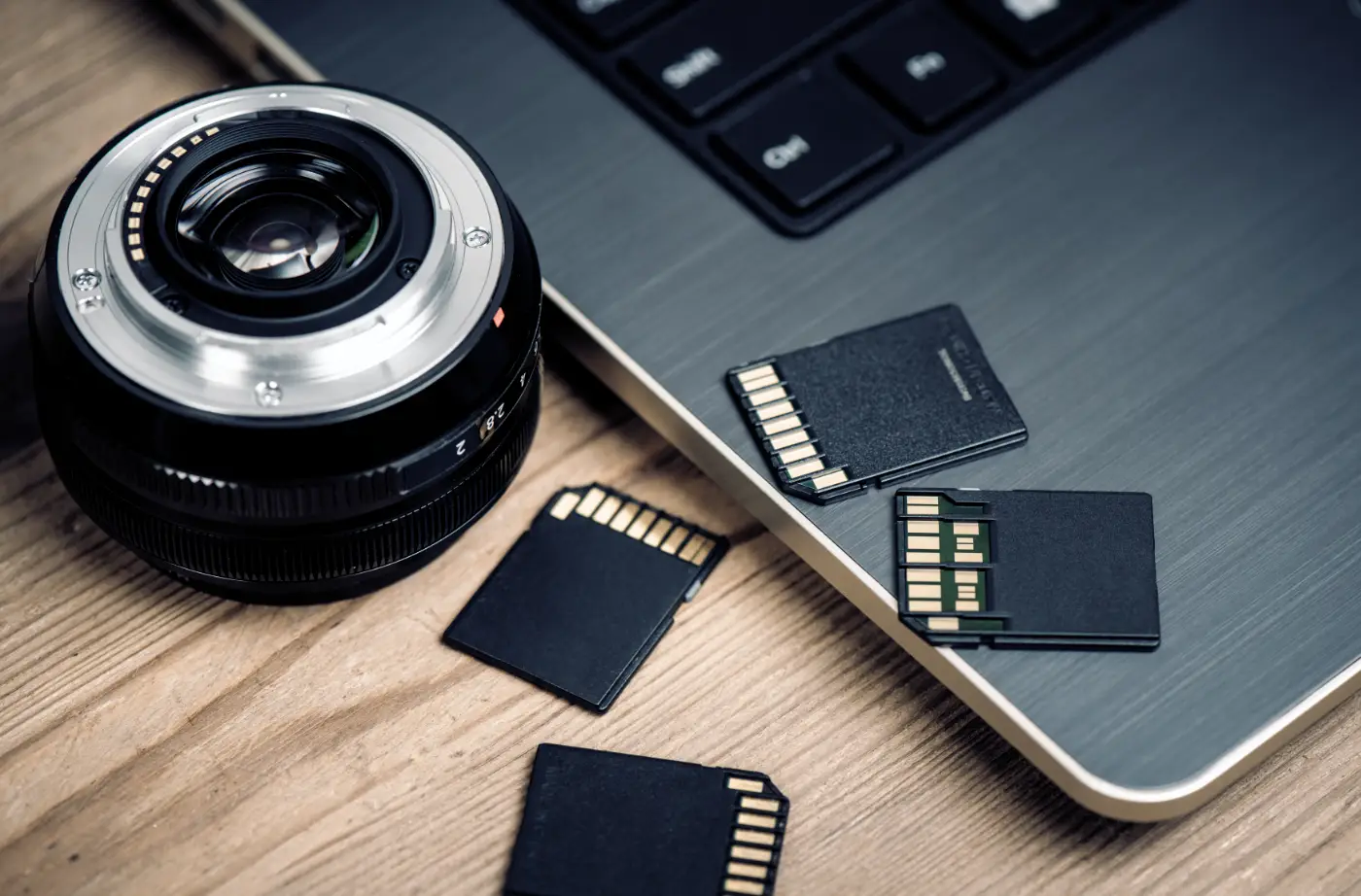
Make sure your archive is not stored in just one place and that not everything is permanently connected online to your work computer. If you use Lightroom, check not only the original files but also whether there is a recent backup of your Lightroom catalog.
A 3-2-1 setup remains practical: three copies on two types of storage, with one kept separate from your everyday work computer. Also check how long version history and recovery options remain available. You truly notice that difference only when something goes wrong.
Don't Forget Previews, Exports, and Downloads
Security is not only about RAW files. The clutter around them is often the first thing to leak: JPEG selects, contact sheets, social media exports, files in your Downloads folder, and temporary folders on a laptop or tablet that someone briefly used to review your work. To an outsider, such a preview may already be more than enough.
Distinguish between working files, previews, and final delivery. Do not leave unpublished previews for months in the same synchronized folder as completed work. Use a watermark for early selection rounds when needed, especially for commercial or embargoed work. Also clean up local download folders, particularly on travel or production laptops that are more likely to be lost or used by multiple people.
Also pay attention to file names. A folder named campaign-september-final already reveals far more than necessary if it ends up in the wrong place. This does not prevent a hack, but it does make sensitive projects less conspicuous in individual exports and screenshots.
Client Delivery Is Part of Security Too
For many photographers, photo delivery is the point at which convenience wins over discipline. Quickly sending a link in a message, leaving one more folder open, or reusing an old shared folder: these are exactly the situations where mistakes happen.
Treat delivery as a separate step. Create a tidy final folder for the client, separate from your internal working archive, and include only the files that are actually cleared for delivery. For sensitive assignments, use a password or expiration date for the link. Do not send such projects through a permanent folder that also contains earlier versions, behind-the-scenes images, or internal selects.
If you work with retouchers, videographers, or second shooters, agree in advance on the channel through which files will be exchanged. The fewer separate links, email attachments, and temporary services you use, the easier it is to keep track of everything.
Make a Simple Emergency Plan for When Things Go Wrong
Nobody enjoys thinking about incidents, but that is precisely why a simple emergency plan is useful. Use half a page to write down what you will do if an account displays suspicious activity or if unpublished work leaks.
It does not have to be a legal document. The point is to avoid having to work everything out on the spot in the middle of a stressful incident.
Security can sound intimidating, but for photographers it often comes down to good folder management, giving fewer people access, and finally taking a few settings seriously. Your photo archive is not only a collection of images, but also trust, planning, and sometimes months of work. Treat it accordingly.