Photoshop, the world's best-known image-editing program, is now available for the iPad as well. This means you can intuitively use the familiar Photoshop features: retouching, creating composites, working with layers, and adding text. The Photoshop interface has been completely redesigned, yet still feels familiar.
In this practical book, Rob de Winter uses inspiring exercises and interviews with Photoshop artists Ted Chin, Frankie Cihi, and Magdiel Lopez to show you how to get the most out of Photoshop on the iPad and how to combine it with other well-known iPad apps such as Lightroom and Fresco.
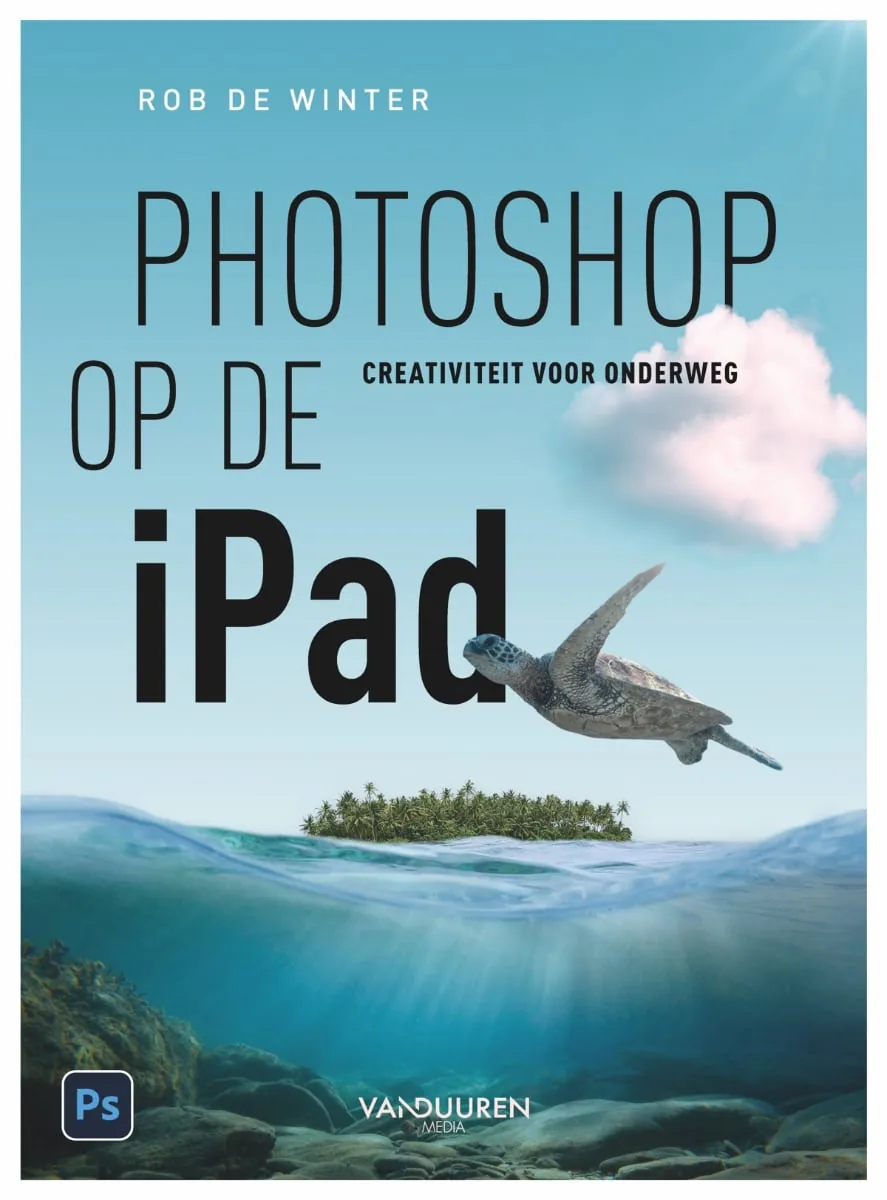
This book is packed with lessons, interviews, and stunning examples of work created in Photoshop on the iPad. It covers the following topics:
- The Photoshop interface: how is the Photoshop interface on the iPad organized? And how does it differ from the desktop version of Photoshop?
- Photo composites: how do you combine different images into an imaginative composite?
- Selections and masks: you will learn how to use the various selection tools and use them to create masks, make color corrections, select hair, and isolate images from their backgrounds.
- Inspiring interviews: you will read interviews with Ted Chin, Frankie Cihi, and Magdiel Lopez. All three have gained worldwide recognition for work they created in Photoshop on the iPad.
- Opening and saving files: how do you transfer files to an iPad, open them, and save them so that you can easily exchange them between different apps? And how do you open an iPad file in the desktop version of Photoshop, and vice versa?
- Retouching: how do you remove blemishes and other distracting elements with the various retouching tools?
- Layers and adjustment layers: what are layers and adjustment layers, and how do you use them in Photoshop on the iPad?
- Social media: how do you design an image for social media?
- Text: how do you add text and adjust the various text settings?
- Other iPad apps: which apps can you combine with Photoshop on the iPad? You will learn how to edit RAW photos in Lightroom, paint in Fresco, and install other fonts on your iPad with the Creative Cloud app.

In Photoshop on the iPad, Rob teaches you, from start to finish, all the features and tools you need to get the most out of Photoshop on the iPad.
Rob de Winter is an Adobe Certified Expert & Instructor and a professional designer and photographer. Each year, he trains hundreds of people through his own company, DWM Trainingen. He also speaks at national and international conferences such as Professional Imaging and Adobe MAX. In addition to teaching, Rob designs visual identities, infographics, icons, and more. For the past two years, Rob has been named an Adobe MAX Master: one of the best speakers at the Adobe MAX conference in Los Angeles.
His national and international network gives him access to some of the most influential and inspiring expertise in Photoshop, InDesign, and Illustrator. That, combined with his educational background as a qualified teacher, makes him the ideal trainer, coach, and communicator of knowledge about design and the leading Adobe applications.
After purchasing this book, the web version is also available: register to receive free access, along with relevant extras.
Photoshop on the iPad - Creativity on the Go - Rob de Winter
Pages: 216
Price: € 27,99
Publisher: Van Duuren
Language: Dutch. This article refers to the Dutch-language edition.



