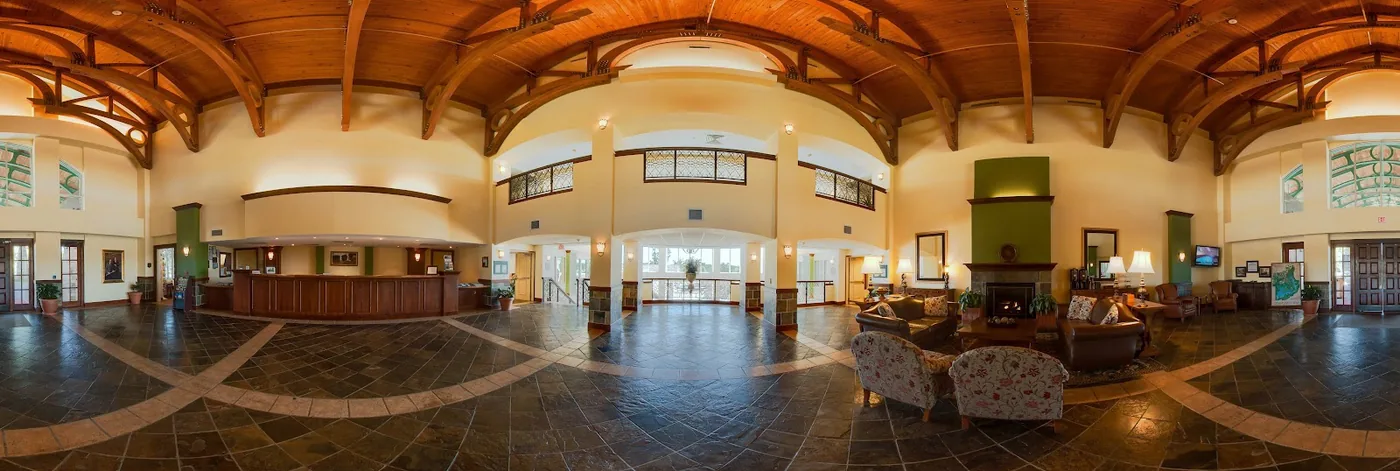
The virtual reality trend has accelerated considerably in recent years. Although not everyone will own a VR headset in the coming years, more and more people will become familiar with this technology.
“True” virtual reality applications will initially be used mainly by early adopters and the business market, but consumers can already explore VR in an accessible way with a Cardboard viewer or another simple smartphone holder. Photography and video will play an important role, 360-degree photography and virtual reality offer the most accessible way to enter the virtual world.
The Difference Between 360-Degree Photography and Virtual Reality
360-degree photos and videos fall under the virtual reality umbrella, but there is one major difference: full VR lets you move freely through a virtual environment, while with 360-degree photos you remain at the center as the image is displayed around you like a cylinder or sphere.
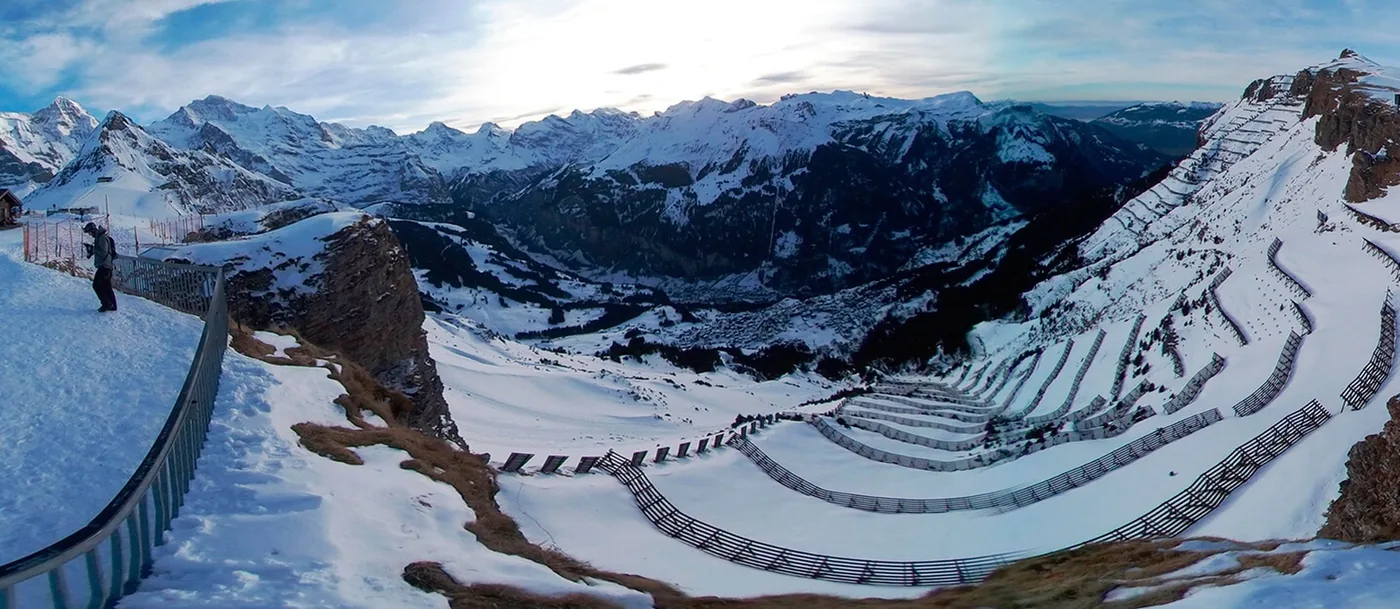
That is a significant difference. Panorama presentations of this kind require little space; you can even remain seated. It helps if the chair can rotate, such as an office chair.
What Hardware and Software Does the Producer Need?
To create a 360 virtual tour, you naturally need a panoramic camera. You can take a series of photos with a standard camera and later stitch them together with software such as Kolor, but for most presentations it is more practical to use a 360-degree camera that can capture panoramic photos directly. These cameras often have multiple lenses and built-in software that produces a 360-degree photo literally at the press of a button.
Because these cameras record everything around them, the photo is often taken with a self-timer or remotely through wireless app control. Renting a 360-degree camera is often the least expensive option, especially if you do not create this kind of content every day.

To create the virtual 360 tour, the producer needs software that can import and process 360-degree photos. In addition to individual photos, visual material can be linked in an interactive presentation, for example for a virtual walk at a vacation destination or an informative real-estate tour.
What Hardware and Software Does the User Need?
For a 360 virtual tour, it is wise to keep the system requirements as low as possible. That accessibility is the great appeal of combining 360-degree photography and virtual reality. Users can view the virtual 360 tour on a PC with a mouse, on a smartphone or tablet, or with a VR headset or a smartphone in a VR viewer. Because almost everyone has one or more of these devices, the barrier to entry is very low.

Presentations can use a standard browser. Google Business View in Street View also supports panoramic photos, as does Facebook. Web applications are also available for creating an interactive 360 virtual tour in which users can choose their own “route.” It is important to choose a solution that works with the hardware and software found in most homes in order to reach the largest possible audience.
What Is a Virtual 360 Tour?
A virtual tour is not very different from a physical tour, although it offers several specific advantages:
- A virtual tour can be produced once and then offered to multiple people. A physical tour always requires people to lead it.
- You can take a virtual tour at any time of day. It does not matter whether it is raining or there is no light in the middle of the night; the VR tour always looks the same.
- If you are a real-estate agent promoting vacation homes with a virtual 360 tour, you do not have to send clients straight to a distant country. First show them a 360 virtual tour at home or in the office.
- The VR tour can be distributed together with an inexpensive branded Cardboard viewer, linking the content to a promotional gift.
Creating a 360 Virtual Tour
In fact, you can create a virtual tour with a smartphone if you have the right apps. You can also outsource the work to specialized companies that combine multiple panoramic photos in an attractive presentation with hotspots, music, graphics and, if desired, a voice-over. The two main elements are collecting the content and creating a clear, error-free presentation with straightforward navigation. A virtual 360 tour is comparable to an elaborate PowerPoint presentation.
Rent or Buy a 360-Degree Camera?
Various panoramic cameras, such as the Gear 360 and Ricoh Theta, were available for a few hundred euros. Keep in mind that the image resolution needs to be especially high because the image appears to form a circle or cylinder around you, which also magnifies the pixels. Renting a 360-degree camera can offer a solution. Professional panoramic cameras can cost tens of thousands of euros, which is why they are often rented for the production of high-quality VR tours.
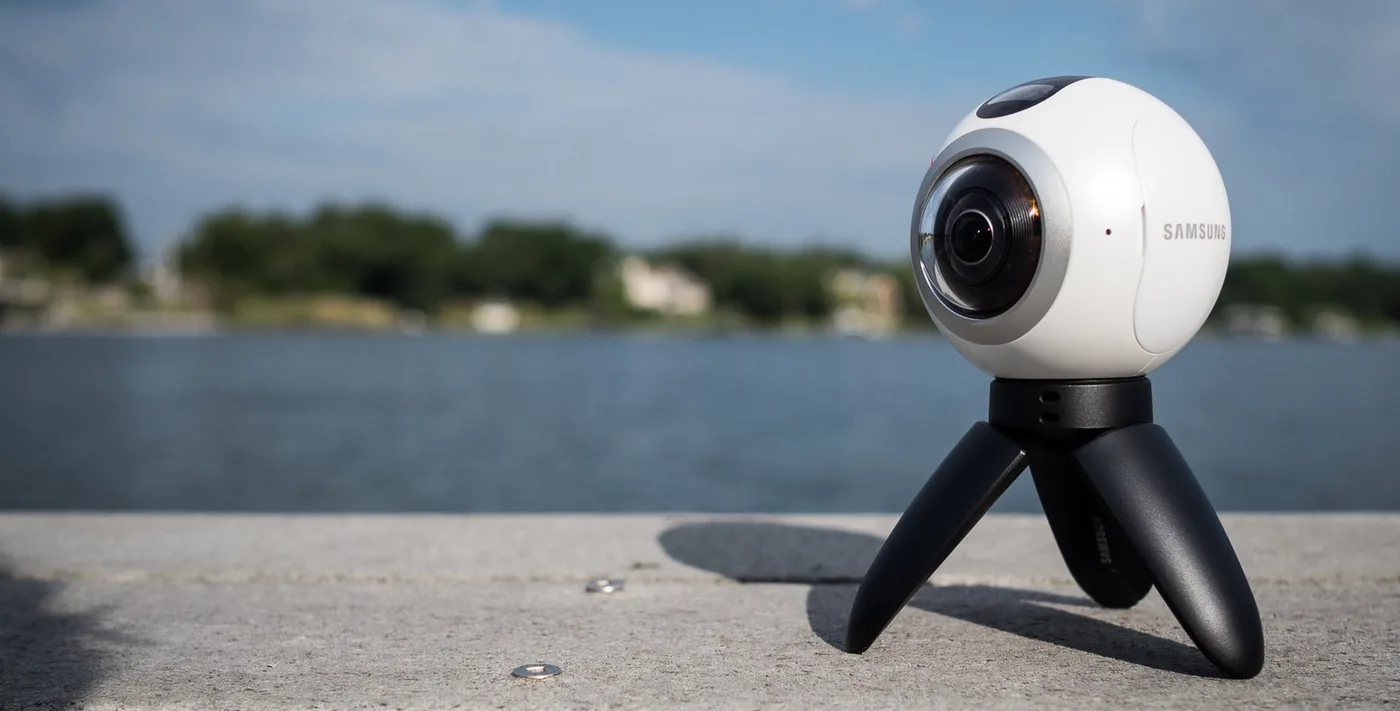
If you regularly produce VR content, buying a camera may be worth considering. For occasional assignments, renting a 360-degree camera is often more cost-effective and avoids the risk of the camera quickly becoming outdated.
Applications for a 360 Virtual Tour
- A virtual tour of a vacation destination, from the hotel all the way into the sea.
- A VR tour through a museum to promote the physical museum or the works in an art gallery.
- A virtual tour through a store, such as a car dealership showroom, or literally a look inside a restaurant kitchen.
- A VR tour for real-estate agents who want to show a property to multiple prospective buyers at home or in the office.
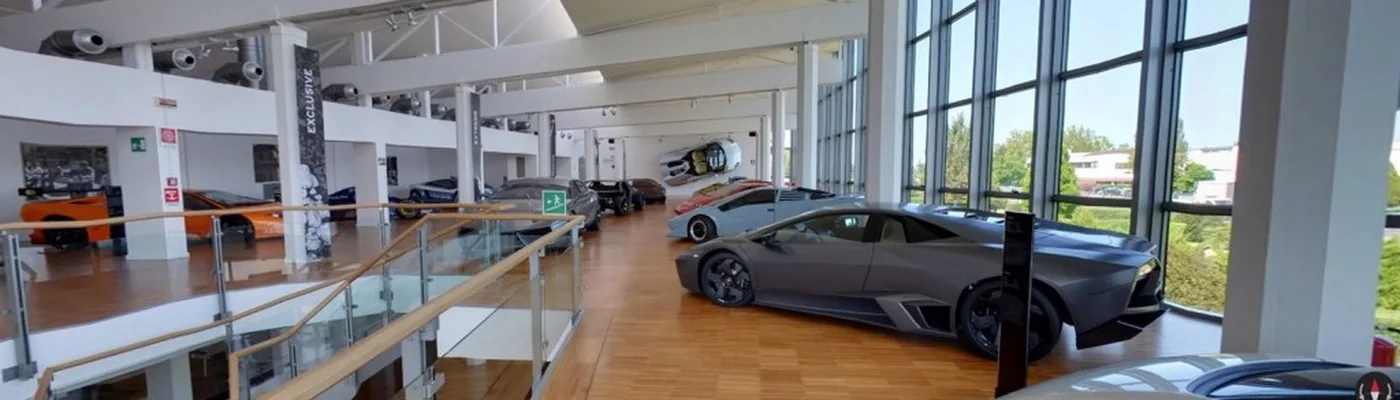
These are just some of the applications made possible by good panoramic photography, the right software and specialists who can combine the material into an effective interactive presentation.



