Do you spend a lot of time on photography? If so, a fast internet connection is essential. You want to be able to move photos from your camera to an online environment within minutes. Storing photos online offers several advantages: you will not lose them if your computer crashes, and they take up less space on your hard drive.
Do not take chances with valuable images. If you have a fast internet connection, an online photo backup service is a good way to make sure your photos are backed up. You do not have to remember to upload your latest photos yourself; they are backed up automatically.

One of the biggest advantages of using an online service is that all photo files are stored off-site. If there is a fire or burglary, your images remain safe elsewhere and are easy to retrieve. Most services will also email you if they notice that your computer has not checked in for a while, so you can find out promptly when backups are no longer running.
Tip: bundle home internet and TV to receive a discount on your subscription costs. That can keep fast internet for uploading photos affordable. The discount may increase further when you also add mobile service. Various Dutch providers offer these all-in-one packages.
Fast Internet for Editing Photos Online
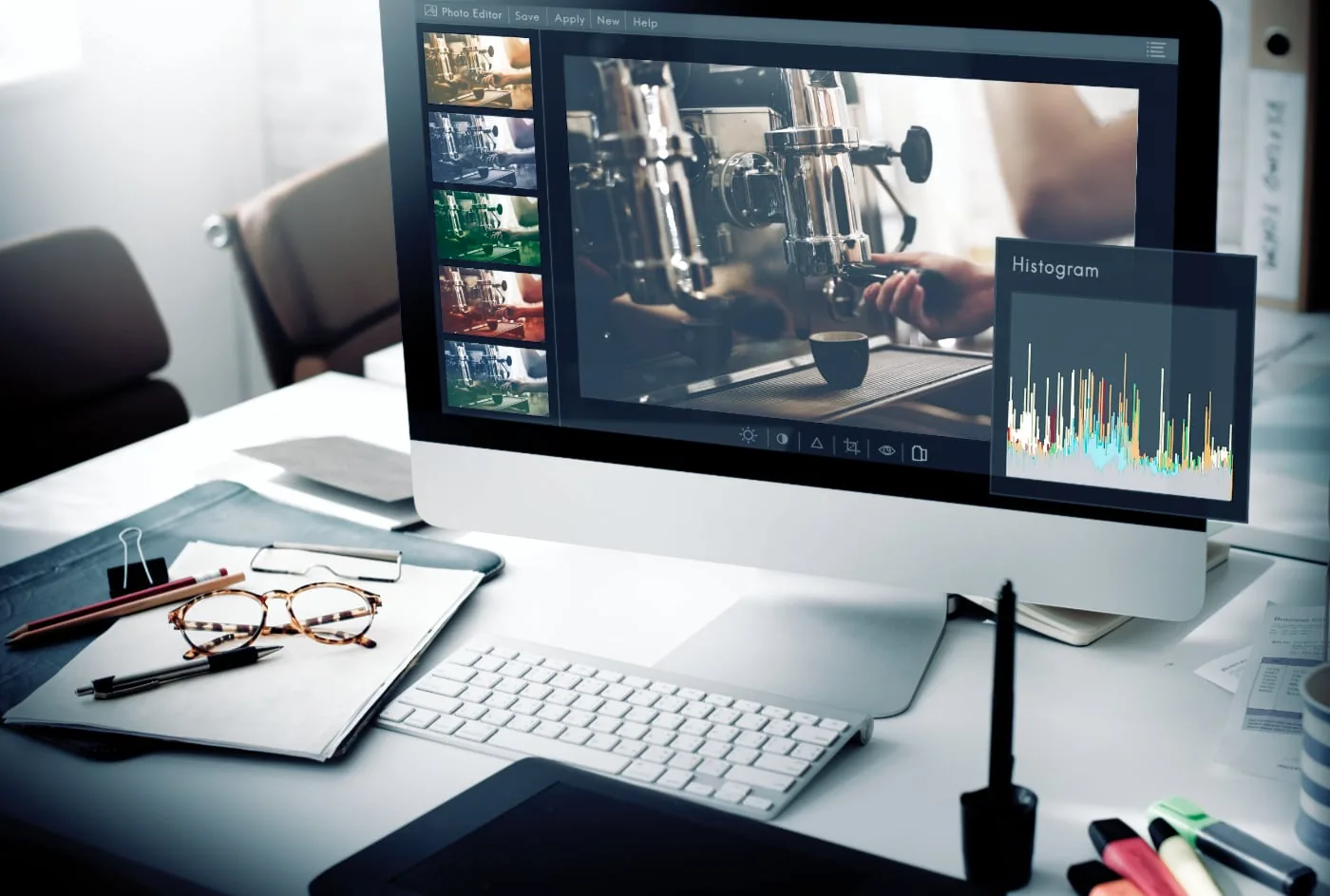
A fast internet connection is useful not only for moving photos to the cloud. Many photographers—especially hobbyists—now use online tools to edit their photos. These tools are often free, or in some cases available for a reasonable monthly fee.

One advantage is that many of these tools offer a free version, so you are not committed to a high monthly fee such as an Adobe Photoshop subscription. In addition, not every photographer has a computer capable of running programs like that. Online tools run in a browser, which every computer has.
Examples of Online Photo-Editing Tools
Canva is a good example of an online photo-editing tool and is one of the best-known options. It is used not only by photographers, but also by marketers who create materials such as polished infographics. The online tool offers many ways to edit photos and add them to templates for cards and other designs. Canva is a broader tool than BeFunky, for example.
BeFunky as an Alternative to Canva
BeFunky focuses specifically on photo editing. It offers various ways to tailor photos to your preferences, and you can combine images directly to create an attractive collage. The tool has ten main categories containing dozens to hundreds of features. You can add frames, apply effects that layer color over your photos, whiten teeth with the Touch Up feature, or remove red-eye. A fast home internet connection helps you upload photos quickly so you can begin editing almost immediately.



