Do you want to print your best photos at home and are you planning to buy a new photo printer? Print quality, functionality and costs can vary greatly from one printer to another. Here are the key factors to consider when making your final choice.
Number of Cartridges
The number of ink cartridges determines how many color shades will be visible in the print. It is therefore best to buy a printer with at least 5 cartridges. In addition to the standard ink colors cyan, magenta, yellow and (pigment) black, it also has room for a photo black cartridge. This provides more contrast and produces better-looking gray tones.
If you want to print black-and-white photos, you can buy a printer with 6 or more cartridges, as these can reproduce many more shades of gray. Photo printers with 6 or more cartridges also use more colors, providing a wider color gamut. If you want to print professional photos, choose an advanced 6- or 9-cartridge system.
Color Management
If printing your photos with exactly the right colors matters to you, color management is essential. Both monitors and printers must be calibrated to reproduce the colors in photos accurately. Just as every monitor differs slightly from another, the same is true of printers. Small color differences can also occur, especially when you change the ink or photo paper.
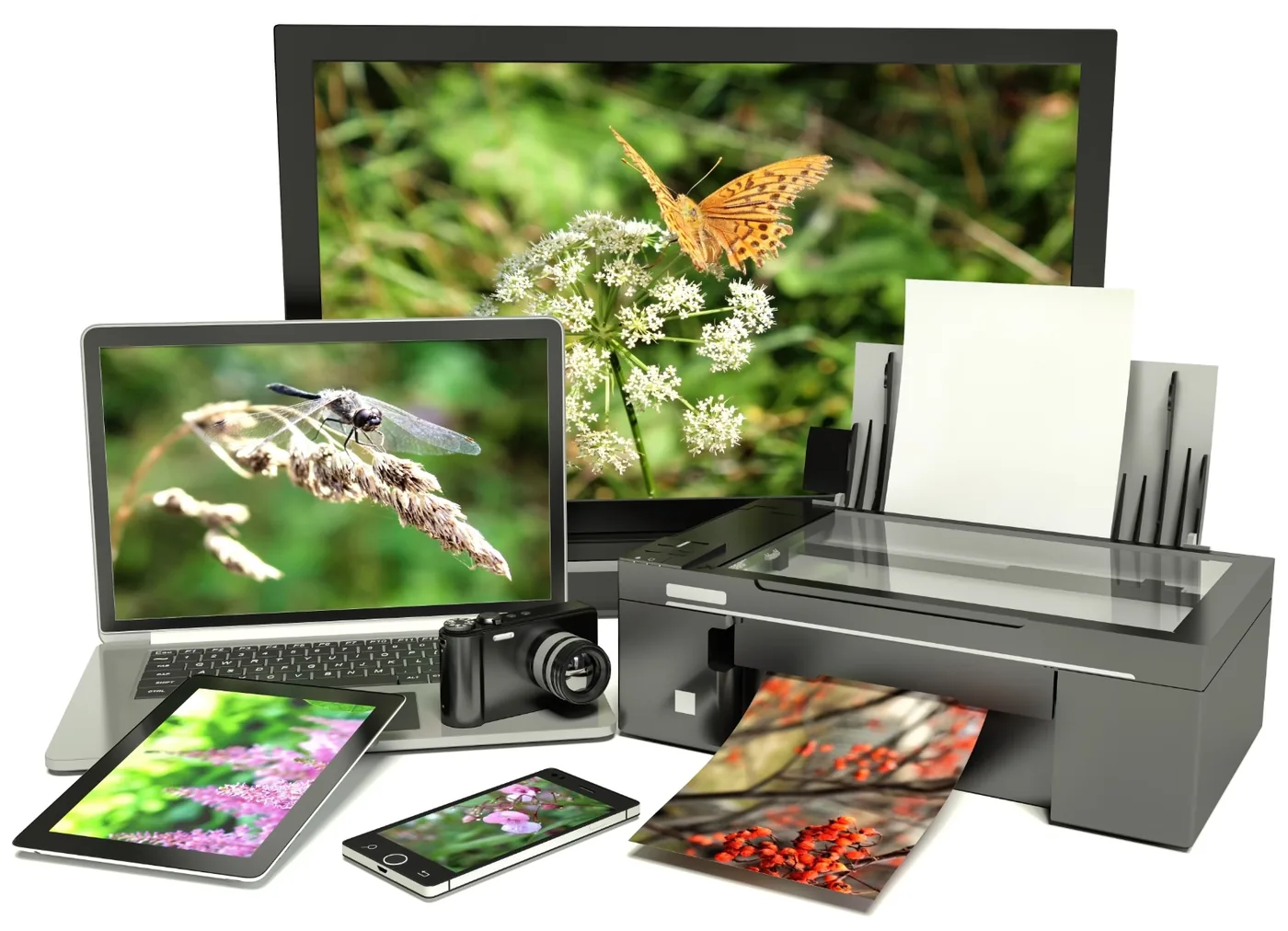
Fortunately, you can calibrate your monitor, and printers reproduce colors relatively accurately, helping the image on your screen correspond reasonably well with the final print. If you regularly use a particular type of paper, it is helpful to create a color profile tailored to that paper.
Because not all printers support color profiles, this is something to consider before buying. It is also important to check whether the printer supports profiles for paper from brands other than the printer manufacturer.
Print Resolution
Print resolution, or sharpness, is almost as important as color range. A high resolution also produces more detailed photos. Resolution is measured in dpi, or ink dots per inch. For vacation snapshots in a photo book (10x15 cm), 1,200 by 1,200 dpi is sufficient; for small professional photos, a printer with 4,800 dpi is suitable.
If you want to print photos at A4 or A3 size, a photo printer with at least 5,760 by 1,440 dpi is recommended. The fine details in your work will be much more visible, which is especially important when printing edited RAW photos. Depth of field also comes across better in a large-format print with a high resolution.
Photo Paper
The paper you choose also affects image resolution. Print resolution is usually much higher than screen resolution because ink dots can be placed much closer together in print than pixels can on a screen. More “pixels” fit into a printed photo than on a display.
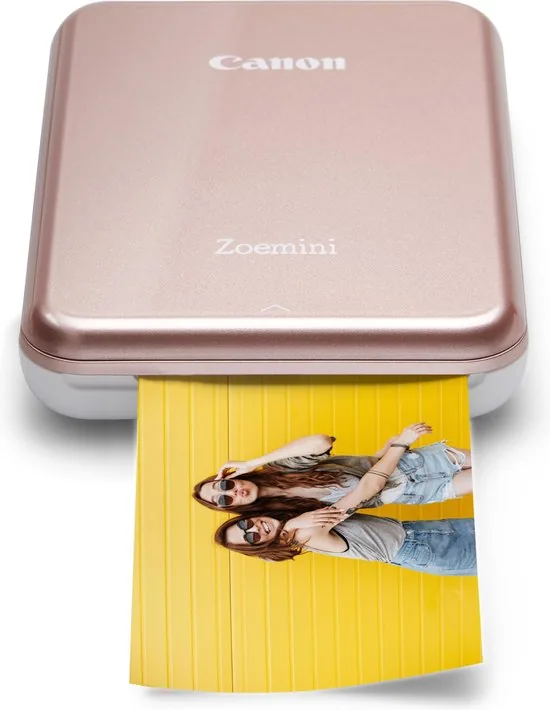
For a current professional photo-printing option, see the Canon imagePROGRAF PRO-1100.
Never print an image at the same resolution as the screen on which it is viewed, as this would produce some very strange results. Most computer monitors display images at 72 dots per inch. For printing, the resolution should be between 300 and 1,800 dots per inch.
For the best quality, choose dedicated photo paper. Thick, glossy photo paper in particular produces attractive results. Check beforehand whether the photo printer supports your preferred paper type. Printer specifications list the supported paper types and the maximum paper thickness the printer can handle.
Printing Costs
The cost of printing photos at home does not differ much from using a copy shop. At a copy shop, you pay between 10 and 20 cents for a 10x15 cm color photo, depending on the quantity. Printing at home costs about the same. HP Instant Ink is an exception. With this service, your HP printer produces a fixed number of prints for a fixed price, regardless of the type of print. You can therefore make 100 A4 photo prints per month for € 7.99. Each photo then costs approximately € 0.08.
Another economical way to print is with an Epson EcoTank. This photo printer uses an ink reservoir instead of expensive cartridges. The ink bottles have a special closure, allowing you to refill the tanks without spilling.
An EcoTank photo printer costs more than average, but is far cheaper to run. Epson claims that the supplied ink is sufficient for 3,400 photo prints (10x15 cm).
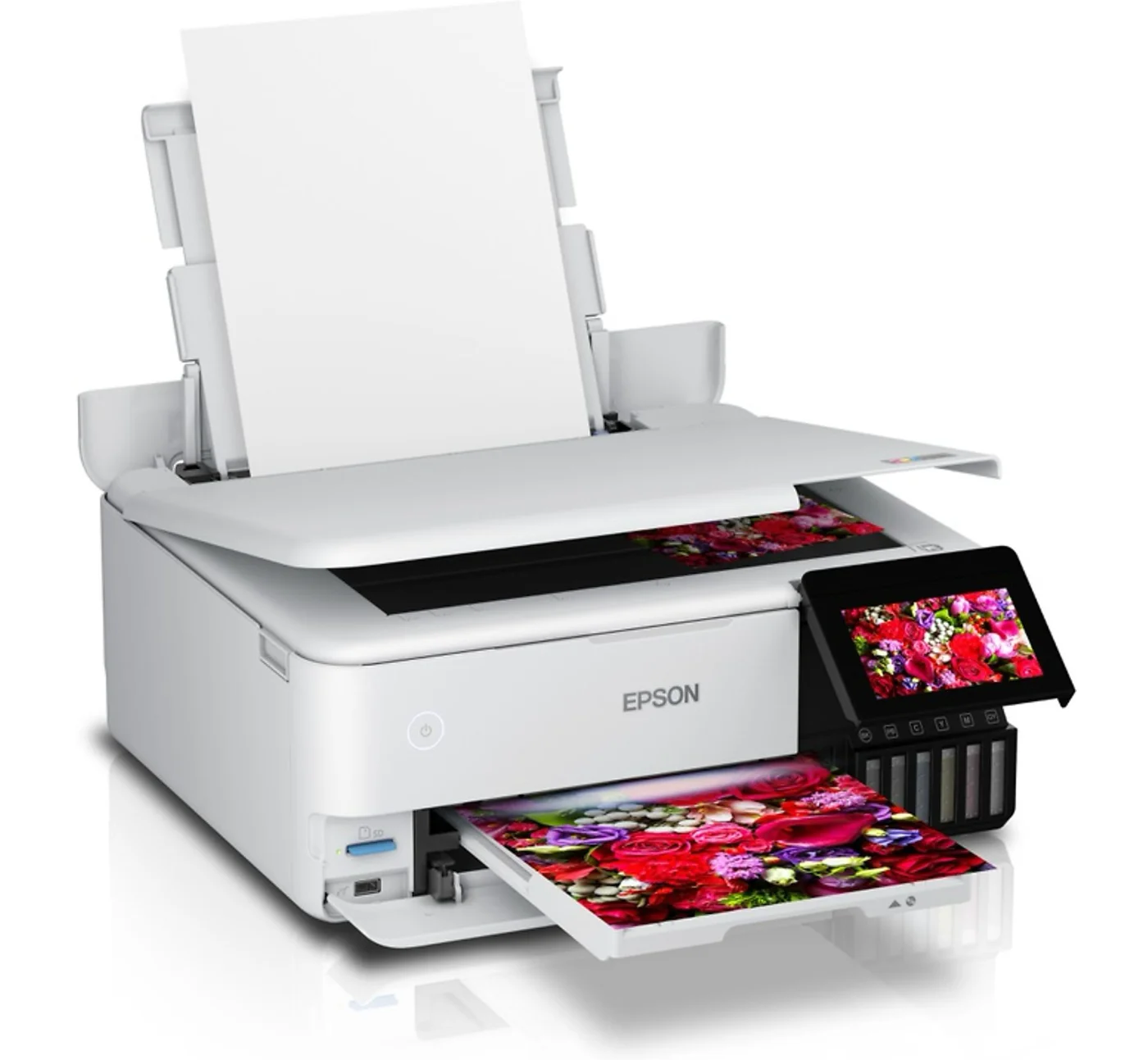
The ET-8500, with its convenient flatbed scanner, can send various documents directly to your PC at a resolution of 1,200 dpi x 4,800 dpi.
Additional Features
Photo printers sometimes offer many additional functions and options. Do you want to print photos directly from a USB drive or memory card? Does the printer need an Ethernet connection, or would you prefer Wi-Fi? Do the printer drivers support a Mac, Windows or Linux installation? These are important points to consider when making your choice.
Most printers have Wi-Fi and NFC. This lets you send text files and photos from your smartphone to the printer, sometimes with the help of a free app. Smaller portable photo printers are also available, as are dedicated Polaroid printers that produce real instant photos from your phone.

Make sure you understand the difference between a “regular” inkjet printer and a photo printer. A professional photo printer is specifically designed for printing photos, while an inkjet printer can also be used to print text and other documents.
If you want a truly high-quality photo printer, do not let extra features distract you. It is best to focus on print resolution, the number of cartridges and the types of ink.



