Smartphone cameras keep getting better. The quality of phone photography is increasingly approaching that of photos taken with a conventional camera. With a few useful apps and the right smartphone settings, you can quickly start taking professional-looking photos with your phone.
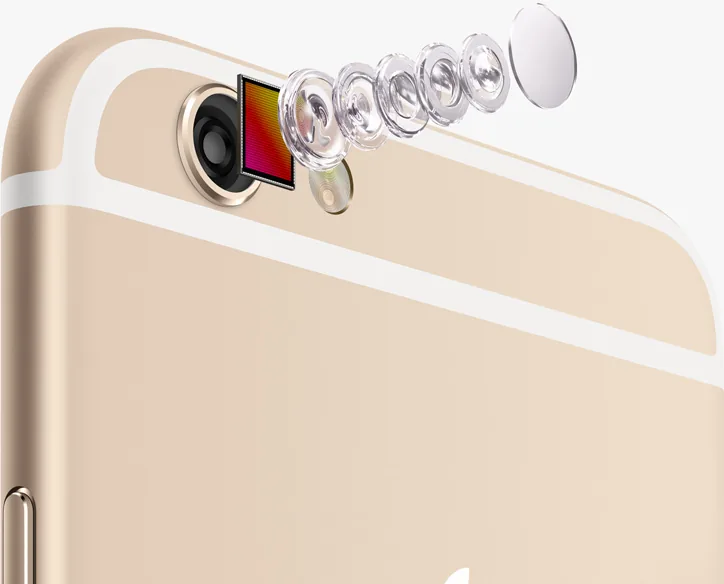
What determines the quality of a smartphone camera? A phone’s camera sensor is important. A larger camera sensor can capture more megapixels, which are one important component of a good photo.
Megapixel count alone is not the most important factor in a good smartphone camera; the lens also determines whether a photo is sharp. A smartphone camera needs both a good sensor and a high-quality lens.
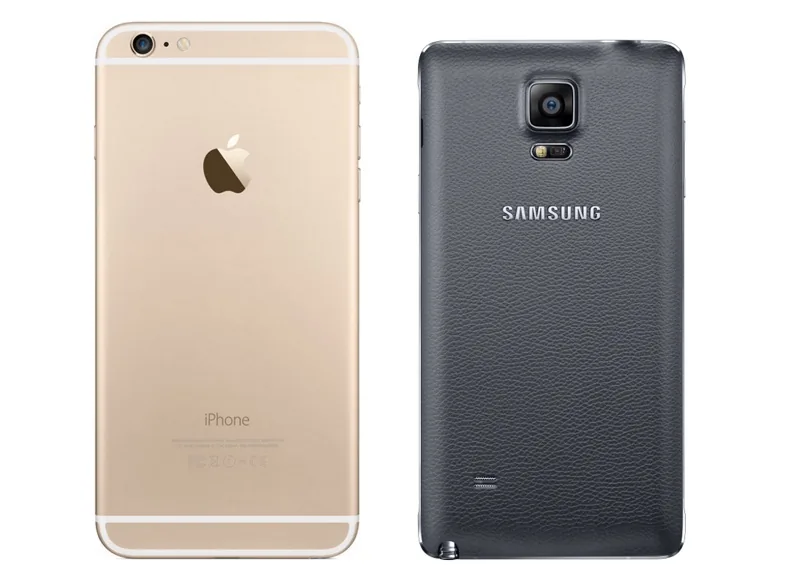
At the time this article was published, Tweakers rated the Samsung Galaxy Note 4 as the best smartphone camera, citing its 16-megapixel camera and image stabilization. Combined with capable camera software, a sensitive sensor and a sharp lens, these features earned it Tweakers’ top rating at the time.
Take Photos Like a Professional
There are two ways to make smartphone photos look professional. You can adjust the camera settings before taking a picture and edit the photos afterward with useful apps. The results can be impressive.
How to Set Up Your Smartphone Camera
Almost every smartphone camera app has a menu where you can adjust camera settings. Both iPhones and Android phones offer advanced camera apps that let you configure settings before taking a photo. These settings often control exposure, including ISO, exposure compensation and HDR.
A flash often helps you take better photos in the dark. Most smartphones have a flash that you can switch on or off. Because flash can sometimes overexpose a photo, it may be better to turn it off and use HDR instead. HDR stands for ‘High Dynamic Range.’ It helps retain detail in both very dark and very bright areas of a photo. A photo taken in the dark often looks better with HDR than without it.
You can usually adjust the ISO setting as well, changing the smartphone camera’s sensitivity to light. This controls how much light the camera records. In bright sunlight, choose a lower ISO setting to produce a good photo. Select a higher ISO setting when it is darker so the camera can capture more light.
Apps
In addition to adjusting your smartphone camera settings, you can use another helpful tool: apps. Many apps are available for photo editing. Here are three relatively lesser-known options:
PicLab
PicLab is an app for taking photos and creating collages, with several layouts to choose from. It lets you add text to photos and adjust their brightness and sharpness.
Pixlromatic takes a different approach. It also applies filters to a photo, but they are more pronounced than those in apps such as Instagram. You can download additional filters afterward, helping you create distinctive photos each time.
Aviary lets you add frames to photos so they look digitally framed. You can also decide which part of a photo should be sharp and which part should be blurred, creating a greater sense of depth.
How Do You Get a Smartphone Camera?
Today, nearly every phone includes a camera. Buying a separate device with an integrated camera can be expensive, depending on the model and brand. Many consumers choose a bundled plan that includes calls, internet service and a handset for a monthly fee. If you already own an unlocked smartphone with a camera, a SIM-only plan can reduce subscription costs while keeping the same network coverage and internet speed.



