OK, now you know for sure. You're getting a DSLR. But which one? You spend weeks roaming the web and eventually come up with something. Does that lead to a good choice? Often it does, but DSLR buyers sometimes take some very strange paths. What are the criteria that really matter?
Hands-on experience
Would you buy a car without taking it for a test drive? Of course not. Yet there are hordes of people who spend 800 euros or more on a camera they have never held in their hands. That's not smart! The internet may be an important source of information, but you still need to assess the opinions you encounter there on their merits. On sites such as kieskeurig.nl, for example, bear in mind that people are unlikely to criticize the camera they have just bought.
When making the final decision, nothing beats a good store where you can pick up and try the cameras you are considering. Buying a camera remains a hands-on process!
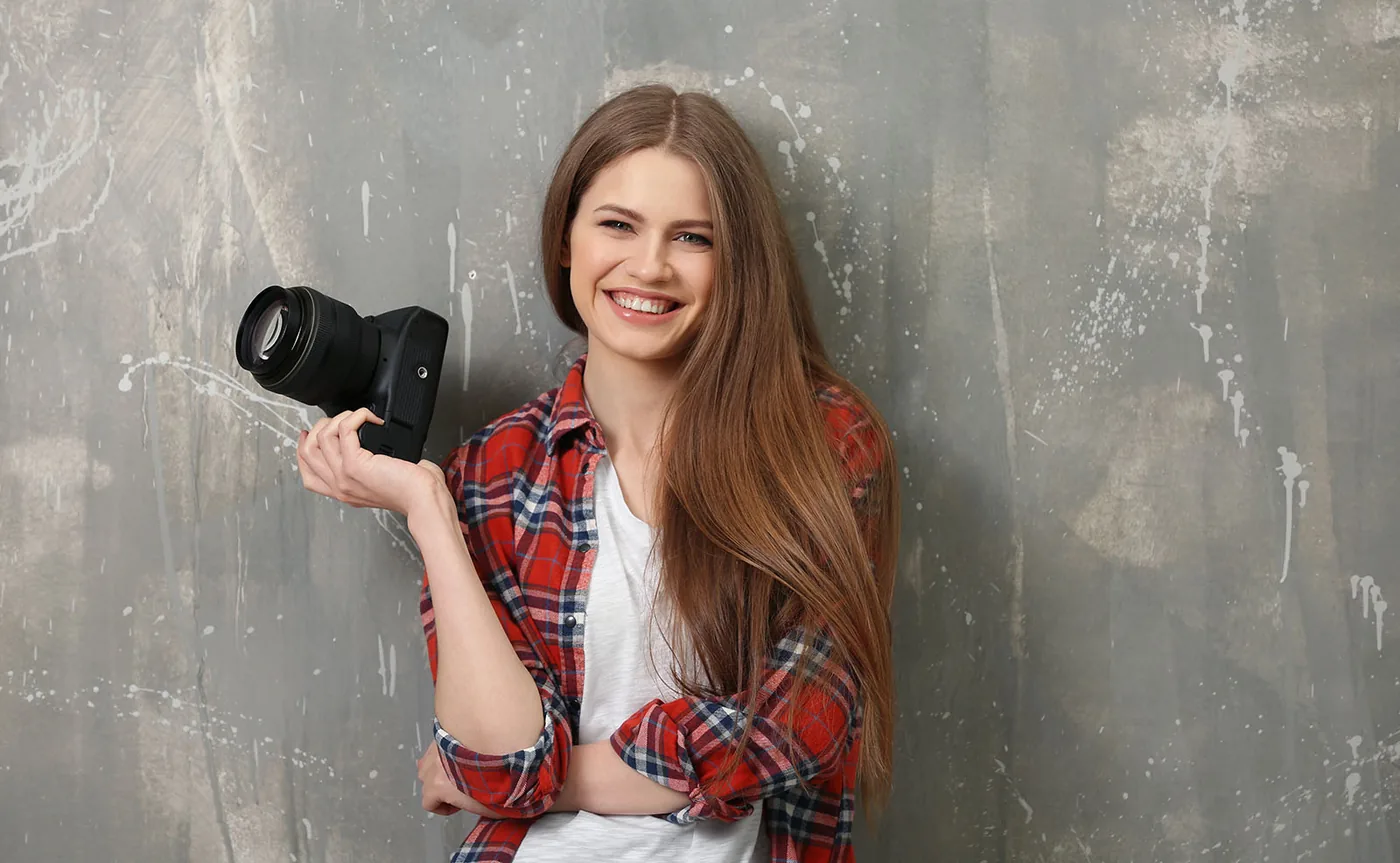
What is the best camera? That's the question running through your mind. But what does 'best' mean? The camera that takes the sharpest photos, the camera that breaks down least often, or the camera that is most comfortable for you to work with as a photographer?
Whether you buy a Canon or a Nikon, or one of the other DSLR brands, they all let you take very sharp, well-exposed photos. Image quality is therefore no longer the number-one issue, unless you work in specialized applications where brand A performs better than brand B. For example, many wedding and portrait photographers choose Fujifilm DSLR cameras for their color reproduction, particularly their rendering of skin tones. But those kinds of special criteria do not apply to the average DSLR user.
How are the ergonomics and ease of use?
As for how solid cameras are, all manufacturers have proven themselves in that respect. Bad cameras are no longer made, and the fact that a camera feels plasticky says nothing about its durability and reliability. A metal lens mount may look rugged, but it proves its value only under very intensive and rough use.
In general, ergonomics and ease of use should come first. You can sometimes find quite sensible comments about these things online, but always make your own assessment. How does a camera feel in your hands and against your eye? That is what matters. Pay attention, for example, to the size, brightness, and color of the viewfinder image.
Check that the camera is not too small or too large for your hands. Also check whether the settings that matter most to you are quickly accessible. If you frequently work with white balance, for example, it is useful not to have to adjust it through the main menu, but to be able to bring up 'custom white balance' with the press of a button. Think of functions such as exposure compensation, focus mode, metering mode, ISO setting, and shooting in RAW file format.
If you are not someone who likes adjusting settings, prefer to leave as much as possible to the camera, and focus mainly on the image, pay especially close attention to the grip and size. Dimensions and weight play a key role if you want to travel with as little weight and bulk as possible. In that case, be sure to look at Olympus. That brand uses a smaller sensor than the others, allowing you to achieve the same result with a shorter focal length. This translates into smaller and lighter lenses, especially when you use telephoto zooms.
The megapixel race
6 million pixels is enough for many photographers. 10 or 12 is nice, but the added value does not increase proportionally. The smaller the pixel, after all, the sooner noise will occur. And making that noise less distracting requires electronic noise reduction, which reduces detail. A high pixel count is particularly useful if you often print at large sizes and want to crop your images afterward.
If you are a beginner, you will get the most out of your DSLR by using the subject modes from the start
You can find a guideline for the appropriate pixel count here. As the author points out, the differences between 'fair' and 'good' are often not easy to distinguish. Also bear in mind that a large print should not be viewed with a magnifying glass, but from a normal viewing distance. That often lets you be a little more generous with print size. Based on prints made by a photo lab, Kodak gives much more flexible figures, stating, for example, that a camera with 7 million pixels can produce prints up to 70 x 100 cm. These are not theoretical calculations, but practical figures based on how large photos are actually viewed. So a camera has no reason to be ashamed of having 6 million pixels. A good, sharp lens contributes more to image quality than a higher pixel count!
Beginner or expert?
If you are a beginner, you will get the most out of your DSLR by using the subject modes from the start. It is important that you can select them quickly and easily. This is done with a dial on top. Some cameras also have so-called scene modes for more specialized applications (fireworks, sunset, candlelight, etc.). It is strongly recommended that you actually use these modes (also read this), so they need to be easy to access. Settings that show an example and explanation for each scene are ideal.
Experienced photographers can certainly benefit from these settings too, but they also look at how easily aperture and shutter speed can be adjusted. Many cameras have one control dial for this. If you want to experiment extensively and adjust settings manually, a model with two control dials is preferable. You can then use one for shutter speed and the other for aperture. You can often program which functions are assigned to the control dials yourself. For example, it is useful to assign exposure compensation to the second control dial.
Image stabilization
Image stabilization, or antishake, is an enormously important advantage in modern camera technology. It compensates for the movement of your hand, allowing you to shoot handheld at extra-slow shutter speeds. In practice, this means you have to worry less about holding your camera steady, you need lower ISO settings, and you can take more photos without a flash. So there are many advantages. It is especially beneficial with telephoto lenses.
Antishake is implemented in two ways: in the lens and in the camera. In the lens, it generally provides a gain of three to four stops of shutter speed; in the camera, it generally provides about 2 to 3 stops. In-camera antishake is by far the cheapest option, but it does not affect the viewfinder image. If vibration reduction is built into the lens, you actually get a much more stable viewfinder image, which is more pleasant to work with.
Live preview
Anyone switching from a compact or bridge camera to a DSLR sometimes needs time to get used to the fact that the LCD screen does not show what the photo will look like before it is taken. You have to look through the DSLR viewfinder. It does provide a beautiful, bright, and detailed view of what will be in the photo, but you cannot assess color balance and exposure in advance.
There are a few DSLRs that do provide a preview of the photo (live preview). This does come with technical limitations. Most DSLR photographers have learned to trust the camera and check the captured image afterward. For extra assurance, activating the bracketing function lets you take three different photos and choose the best one later.
Dust reduction
When changing lenses, dust can get onto your camera's sensor. More and more cameras have a dust-reduction system that creates a vibration to shake dust off the sensor and collect it on a special adhesive strip. Dust on your sensor is immediately visible in your photos. There are various sensor-cleaning methods, all of which require great care and caution.
Compatibility
You can often use older lenses on a new digital DSLR. But be careful. Full compatibility is by no means always guaranteed. Sometimes such an old lens can be used only with major limitations. At the time of publication, Nikon was bringing the D40 and D40X to market, and options within Nikon’s range were still quite limited. These cameras do not have their own focus motor, so autofocus is available only when you use a lens with its own focus motor. That includes most professional lenses plus a small number of popular lenses. Nikon was expected to release an increasing number of lenses with their own motors.
If you want to use old lenses, take them to the store and try them on the body you want to buy. This is especially essential if you have lenses that were not made by the camera manufacturer itself.
Keep in mind that the sensors in almost all digital DSLRs are smaller than the standard small-format film negative. As a result, they usually have a crop factor of 1.5 or 1.6x: a 200 mm lens then behaves like a 300 or 320 mm lens. So you gain telephoto reach but lose wide-angle coverage. You will therefore almost always buy at least the standard zoom lens as well, or a true wide-angle zoom.
All-weather
Various cameras are designed as 'all-weather' models. They are sealed so that raindrops cannot get inside and they also keep out a reasonable amount of dust. If you are not exclusively a fair-weather photographer, an all-weather model is certainly worth considering.
Power supply
Some DSLR cameras use AA batteries (disposable or rechargeable). The advantage is that, in an emergency, you can always buy a few AA batteries. However, they run out much faster than powerful rechargeable batteries, so they are an expensive source of power. Most DSLRs, however, use special battery packs that are suitable only for one or more camera models.
The advantage of these power sources is a lot of power in a small package. Somewhat larger cameras use substantial battery packs that let you take a great many shots. With more compact models, you will need a spare battery sooner, although even those can manage several hundred shots.
Additional display
In addition to an LCD monitor on the back, some digital DSLRs have an additional LCD display that is used when setting camera functions. You use it to control all functions that are not adjusted through the menu. The LCD display, which makes changing settings easier, can be illuminated.
Manual focus
Manual focusing is possible on all digital DSLRs. You often have to flip a switch to enable it. It is useful when you can also take over focusing manually straight from autofocus. With Canon and Nikon, this is mainly possible on the more expensive lenses. With Olympus, it is possible on all modern Olympus lenses, provided you have activated this function in the camera. With Pentax, manual focusing becomes available once the camera has finished focusing; it then releases the focusing ring so that you can turn it yourself. This works only with Pentax lenses that support Quick Focus Shift.
Lenses
Choosing a particular brand can sometimes also depend on a specific lens that you absolutely want to use. To give an example, both Nikon and Canon offer a professional-quality 2.8/17-55 mm zoom lens. Both are expensive lenses, but Canon's is considerably cheaper and also offers image stabilization. Something like that could factor into your decision if you are in doubt. Still, it is better to choose based on the camera itself, since it is the heart of your photographic system.



