
The night time is the right time
Romance, excitement, and adventure: the evening—or night—has it all, except good lighting conditions. When capturing moments during the darkest hours of the day, the Samsung Galaxy S9 can be an ideal assistant. Here are nine tips and tricks for better night photos.
1. Clean the Camera Lens
It is easy to overlook, but a clean camera lens matters: a dirty lens produces blurry photos. Of course, you may not always have a microfiber cloth handy. With the Samsung Galaxy S9(+) , that need not be a problem; the hem of your T-shirt or the inside of your pocket can work too. Just make sure to shake any grains of sand out of your clothing first!
2. Grid Lines
You may know the grid option from a regular camera: two horizontal and two vertical lines divide the screen into nine sections to help you choose the best composition. The Samsung S9 camera offers these useful guide lines as well.
Tap the gear icon to open the camera settings and select Grid lines. You can choose a 3x3 grid or a square in the center of the frame. The grid helps you place your subject at one-third or two-thirds of the image, following the rule of thirds. No more surprises.
3. f/1.5 Aperture
The Samsung Galaxy S9(+) has two aperture settings: f/2.4 and f/1.5. The lower the number, the wider the aperture, and the wider the aperture, the more light the camera lets in. Darker conditions require more light to render the subject clearly. In short, that is why the S9(+) offers an f/1.5 aperture. Conveniently, the phone automatically detects the available light and switches to the appropriate aperture.
4. Focus!
Focus and concentrate? The Samsung Galaxy S9(+) can handle that for you. Its camera has fast, accurate autofocus for sharp photos. Want to adjust the focus yourself? You can do that too. To emphasize a detail, tap the part of the image you want in focus and, voilà, the S9(+) “concentrates” for you!
5. Exposure
The Samsung Galaxy S9(+) camera controls exposure almost automatically. At a campfire at night, for example, it adjusts the exposure to the fire. You can also choose the exposure point yourself, perhaps to brighten friends sitting around the campfire. Press and hold one spot, and the exposure adjusts to the amount of light at that point.

Want to adjust the overall exposure of the photo? Use the slider that appears when you tap the screen to focus. Move it up or down to make the image lighter or darker.
6. HDR
Have you heard of HDR? It stands for high dynamic range. The Samsung Galaxy S9(+) includes an HDR feature that can make bright colors stand out in a photo. Tap the gear icon to open the camera settings and choose HDR. If it is set to Off, switch it to On or at least Auto. The camera will then bring out the subject's colors more effectively.
7. Zoom with the Shutter Button
A hidden gem on the Samsung S9 is that the shutter button also works as a zoom control. Hold the phone horizontally and slide the shutter button up to zoom in or down to zoom out; the directions reverse when you hold the phone vertically. You can zoom up to 10x in or out.
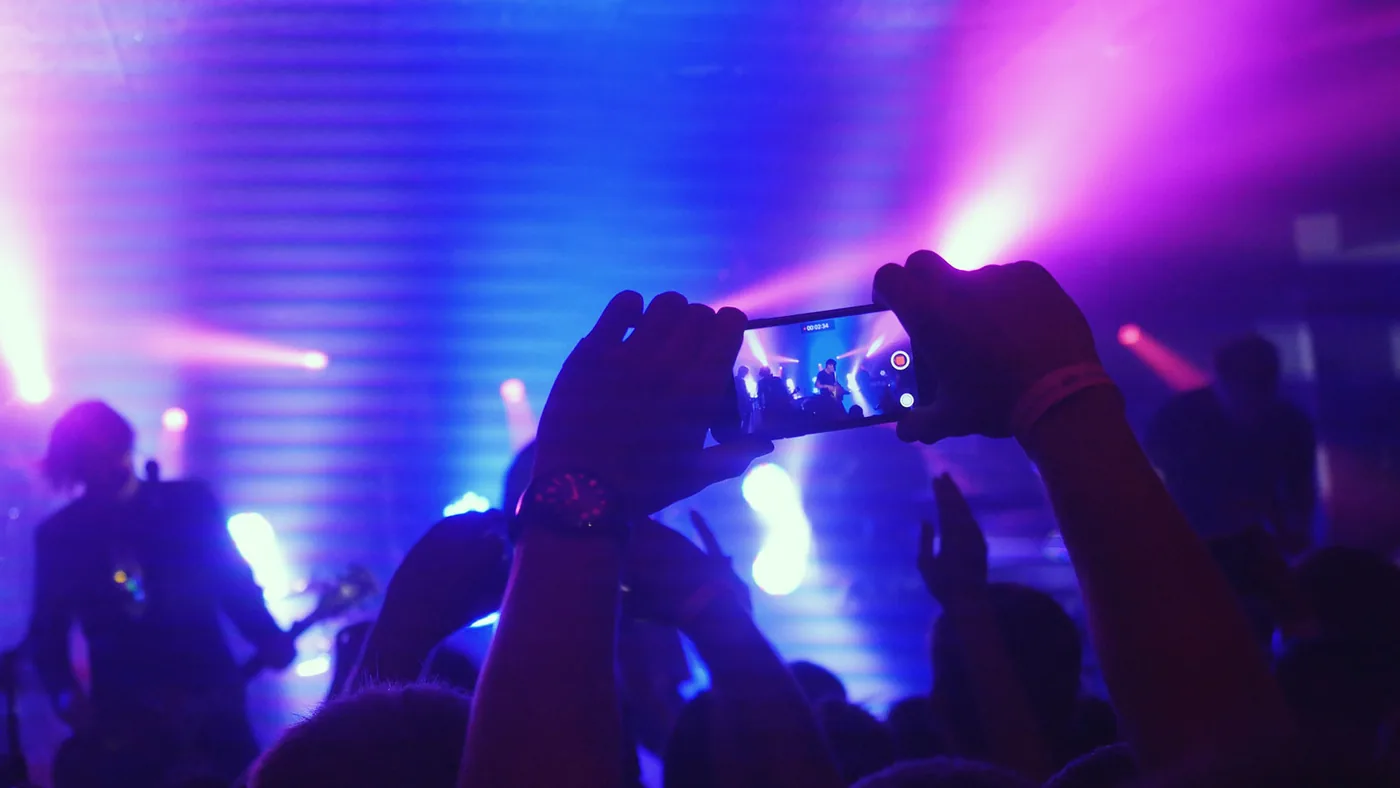
This method is especially useful when you can hold the S9 with only one hand—no fumbling with your fingers or the volume button in the dark.
8. Pro Mode
Consider yourself a photography pro? Take it to the next level by enabling the Samsung Galaxy S9's Pro mode. In this mode, you choose the camera settings yourself, including exposure, ISO, and aperture. To capture a romantic starry sky at night, select a longer shutter speed—and keep the phone very steady.
9. Polish It Up!
Is your photo not bright enough, or would you like to enhance it with stickers or filters? Edit it afterward in a photo-editing app. Increase the contrast to brighten a dark image, or apply a light filter. Apps such as Pixlr, Qwik, and Photoshop Express are easy to use and can give your night photos a polished finish.
Share Your Nighttime Adventures:
Let everyone enjoy your nighttime adventures with the Samsung Galaxy S9(+). Share your night photos on Twitter, Instagram, and Facebook with the hashtag #deeldenacht.



